


Windows 11 update tackles glitches
Nothing disrupts a day faster than a computer acting strangely during startup. Some Windows 11 users recently faced missing desktop elements, delayed responses, and unexpected behavior after signing into systems.
Microsoft says its May 2026 update addresses several reliability concerns affecting everyday use. The company is rolling out fixes designed to improve stability and restore smoother performance across devices.

Blank desktops worried some users
A desktop that fails to appear can leave users wondering whether something serious happened. Reports showed certain Windows 11 systems occasionally loaded without displaying the expected desktop environment properly.
Although the issue was not widespread, it gained attention because it affected basic access. Microsoft included corrections aimed at preventing desktop loading failures during startup.

Taskbar slowdowns disrupted workflows
The Windows taskbar serves as a central hub for launching programs and accessing settings. When it becomes slow or unresponsive, routine computer tasks suddenly feel much less convenient.
Some users reported taskbars appearing late after sign-in or freezing temporarily during use. Microsoft says updated reliability improvements should help the feature respond more consistently over time.

Task View responsiveness gets attention
Task View helps people organize open applications and switch between projects quickly. It remains especially useful for students, professionals, and anyone managing several windows throughout busy workdays.
Reports indicated that Task View occasionally stopped responding to commands, creating interruptions. The latest Windows 11 update includes adjustments intended to improve responsiveness and reduce unexpected slowdowns significantly.
Fun fact: Hover over the maximize button or press Windows key + Z, and Snap Layouts can arrange multiple open apps into neat grids almost instantly.

File Explorer receives targeted fixes
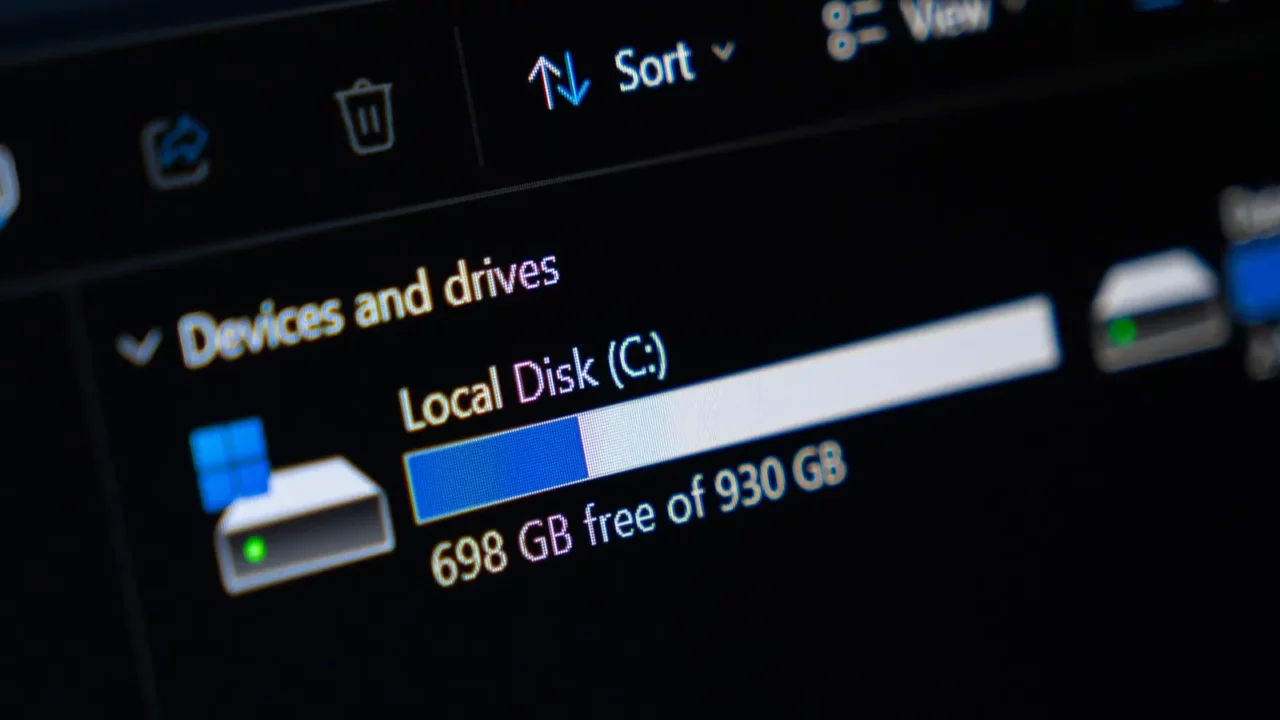
File Explorer remains one of Windows 11’s most frequently used tools for managing files. Small problems within the feature can become noticeable because users interact with it often.
Some systems experienced issues involving Quick Access, including trouble removing pinned items. Microsoft addressed those behaviors through updates designed to make file management functions operate more reliably.
Behind-the-scenes changes matter
Many important Windows features depend on explorer.exe working correctly in the background. Users rarely think about the process, yet it helps power key parts of the desktop.
Microsoft says underlying improvements focus on explorer.exe reliability during sign-in and navigation. Stronger stability behind the scenes can help everyday interactions feel smoother and more predictable.
Fun fact: Microsoft added Auto HDR, which can upgrade more than 1,000 DirectX 11 and DirectX 12 games with richer color and brighter lighting on supported displays.

Stability often beats flashy features
New features frequently grab headlines, but reliability plays an equally important role. Most users simply want computers that respond quickly and perform expected tasks without interruptions or confusion.
Problems affecting navigation, menus, or startup experiences can damage confidence over time. Consistent performance remains one of the strongest measures people use when judging software quality.

The rollout is happening gradually
Not every eligible computer receives a Windows update on the same day. Microsoft often uses phased releases to monitor results and address issues before broader availability expands.
That means some users may wait longer before receiving the latest improvements automatically. Gradual deployment helps reduce risk while allowing Microsoft to evaluate update performance carefully.

Some users report smoother operation
Early feedback suggests certain systems feel more responsive after installing the update. Improvements affecting core desktop functions can influence how quickly users complete common computer activities daily.
While experiences differ between devices, positive reports have appeared from several users online. Better reliability often creates a noticeable sense of improved speed during regular operation.

Update confidence remains important
Many users appreciate updates that deliver security protections and bug fixes regularly. At the same time, concerns can arise whenever software changes affect familiar computer behavior.
Microsoft faces ongoing pressure to balance innovation with dependable performance across devices. Successful updates help strengthen confidence among users deciding when to install future releases.
Reliability efforts continue at Microsoft
Addressing technical issues is only part of maintaining a successful operating system. Companies must also demonstrate consistent progress to reassure users affected by previous software frustrations.
Microsoft has repeatedly highlighted reliability improvements as an important priority for Windows. Fixing visible interface problems helps support broader goals related to long-term platform stability.

What users may notice first?
People installing the update might see improvements during startup and navigation activities. Features that previously seemed sluggish could respond faster once the new fixes become available.
Users affected by desktop, taskbar, or interface concerns should monitor performance changes. The update specifically targets areas connected to several widely discussed reliability problems recently.
Curious how Microsoft’s design choices are landing with users? Take a look at why the Windows 11 Start menu redesign is stirring up Windows 8 comparisons.

Small fixes can have big benefits
Not every software update introduces major features that transform how people work. Sometimes, practical improvements provide greater value because they reduce everyday annoyances and interruptions consistently.
By focusing on reliability concerns, Microsoft aims to improve routine experiences across Windows 11. Stable performance can make technology feel easier to trust during daily use.
And as Windows 11 keeps improving the basics, one familiar Windows 10 feature could make the experience feel a little more comfortable again.
Have you noticed smoother performance after a recent Windows 11 update, or are you still experiencing glitches? Share your experience in the comments and leave a like if reliable updates matter to you.
This slideshow was made with AI assistance and human editing.
Don’t forget to follow us for more exclusive content right here on MSN.
Read More From This Brand: