


As with any piece of exercise equipment, Peloton bikes require maintenance to keep them running smoothly. This can be time-consuming and costly, especially if you need to call a technician for repairs.
Fret not! We’re here to help you fix your peloton bike without asking for assistance!
Let’s get started!
By continuing to use this website you agree to our Terms of Use. If you don't agree to our Terms, you are not allowed to continue using this website.
Why Your Peloton Isn’t Working?
Below are so reasons that are stopping your Peloton bike from powering on:
| Why could this be happening | Explanation |
|---|---|
| Calibration | You might not have plugged your device correctly or you might not have plugged it in at all. Or maybe there’s a loose connection at the power block or where the power line enters the Peloton at the back. |
| Fuse Issues: | The fuse’s purpose is to protect against power surges that could harm your Peloton. The Peloton won’t switch on after the fuse’s wire breaks since the flow of electrical current will be blocked. |
| The screen must be replaced | You could not be able to see the Peloton start-up if the screen is broken. |
| Power | While using your Peloton, the screen can suddenly stop responding for an unidentified reason. Your best course of action may be to force a reboot whenever this happens. In order to restart your Peloton |
Troubleshooting Steps To Power On Peloton Bike
- Power: Make sure your Peloton is plugged in and turned on. Check the outlet and power cord to make sure they’re working properly.
- Internet Connection: Peloton relies on a strong internet connection to function properly. Check your Wi-Fi or Ethernet connection and make sure it’s working.
- Software Updates: Peloton regularly releases software updates to improve performance and fix bugs. Check for updates in the settings menu and make sure your bike is up-to-date.


- Calibration: If your Peloton feels like it’s not working properly, you may need to calibrate it. Follow the instructions in the settings menu to calibrate the bike.
- Sensor Issues: If your Peloton isn’t registering your heart rate or other metrics, check to make sure the sensors are clean and positioned correctly.
- Contact Support: If none of these troubleshooting steps work, contact Peloton support for further assistance. They can help diagnose the problem and recommend a solution.
It’s important to keep in mind that Peloton bikes are complex pieces of technology, and there may be other issues that can cause them to stop working. If you’re unsure about how to troubleshoot your bike, or if you’re experiencing persistent issues, it’s best to contact Peloton support for help.


Fun Fact: Peloton bike offers workouts ranging from just 5 mins to full-fledged 90 mins
What to do if Peloton Won’t Turn on?
If your Peloton bike won’t turn on, there are several steps you can take to troubleshoot the issue:
- Reset the Circuit Breaker: Locate the circuit breaker on the back of the Peloton bike, and switch it off and then back on again.
- Check the Power Cord: Ensure that the power cord is firmly plugged into the bike and the wall outlet.
- Check the Display: If the display screen is not turning on, try adjusting the brightness by pressing and holding the power button for a few seconds.
- Contact Peloton Support: If none of these steps work, contact Peloton support for further assistance. They may be able to provide additional troubleshooting steps or send a technician to repair the bike.
- Reset the Peloton Bike: Hold the power button on the back of the bike until the logo appears, and then release the button to reset the bike.
If none of these steps works, it may be necessary to schedule a repair appointment with Peloton or contact customer support for further assistance.
Also watch the video before troubleshooting that I’ve shared below.
How can Peloton be Forced to Restart?
To force a restart of the Peloton bike, you can follow these steps:
- Hold down the power button on the back of the bike for 10-15 seconds until the screen turns off.
- Release the power button and wait for a few seconds.
- Press the power button again to turn the bike back on.
This process will force the bike to restart and can help resolve any software issues or glitches that may be causing the bike to malfunction.
If the problem persists, you may need to contact Peloton support for further assistance or schedule a repair appointment.
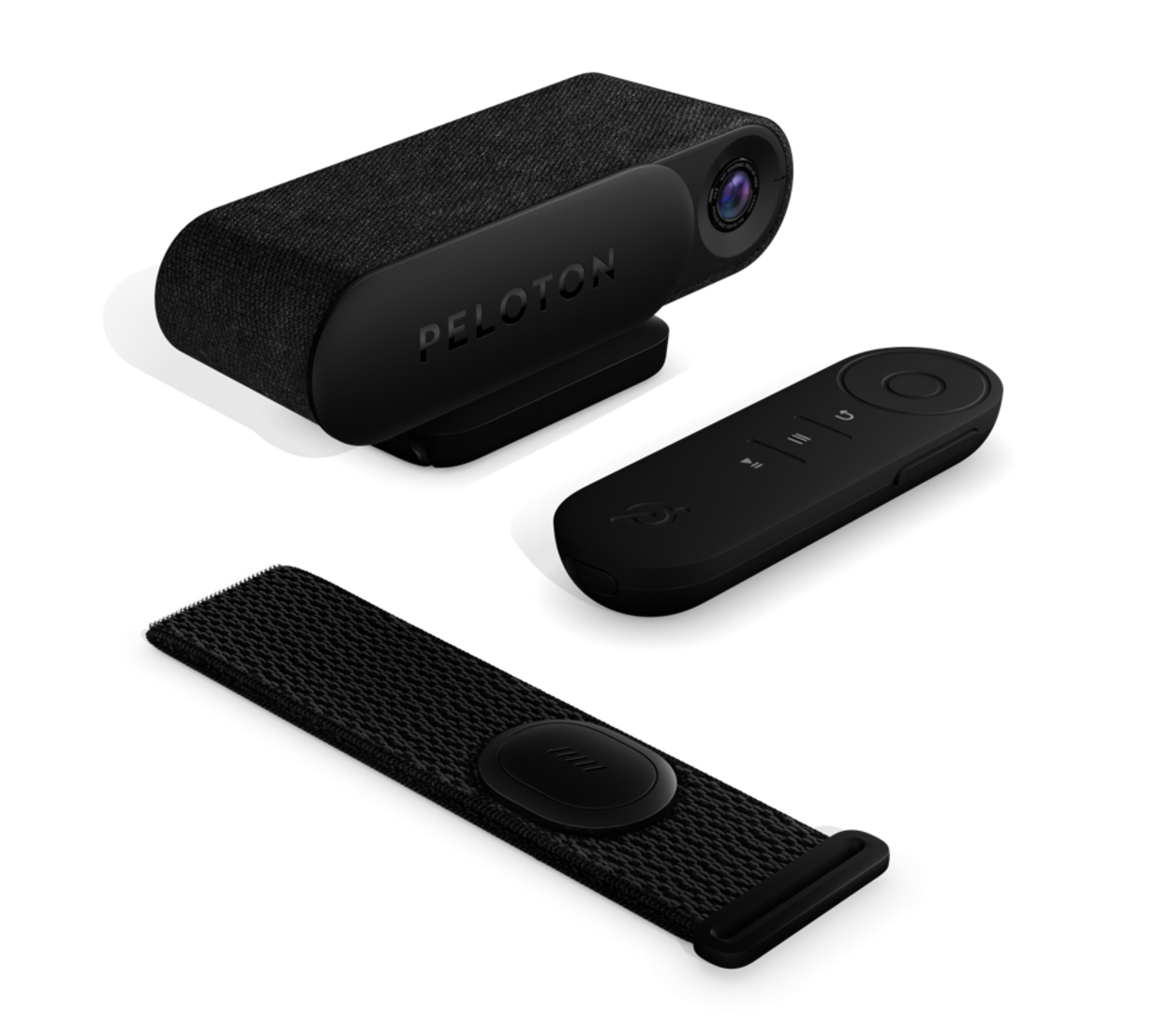

Peloton Assistance
The Peloton Help Center is an online resource that provides answers to frequently asked questions, troubleshooting tips, and how-to guides.
Peloton also has an online community where users can connect with other Peloton members, share tips and advice, and ask for help with any issues they may be experiencing.
If you have the Peloton app, you can access support directly from the app by tapping the “More” button in the bottom right corner and selecting “Support.”
If you prefer in-person assistance, you can visit a Peloton showroom or retail location and speak with a representative.
Whatever method you choose, Peloton has a dedicated team of support staff available to help you with any issues or questions you may have.
Frequently Asked Questions (FAQs)
How can I restart my Peloton?
Holding the power button down for two seconds will turn Peloton on and illuminate the screen. Be aware that the screen will go into sleep mode after 5 minutes of inactivity on the Peloton cycle. Press the power button once again for around two seconds to activate or turn on the peloton screen in this situation.
Does Peloton have a reset button?
Navigate to Settings on the Peloton Guide to perform a factory reset. System > Factory Reset should be chosen.
Does the Peloton Bike have a power button?
The Tread’s touchscreen has a power switch on the back of it. The Tread will go into sleep mode when you press the power button once.
Conclusion
- If your Peloton occasionally refuses to turn on, do not be disappointed. This system also encounters multiple users.
- The most important thing is that you now understand how to fix it, and we hope that you can do so by heeding our suggestions.
- While waiting for this to happen, you can reduce your risk by checking connections for damage before turning on the device. Remember to unplug your Peloton whenever it is not in use. That would aid in avoiding emergency damage to the fuse.
- Though you could always contact their support by visiting their website and messaging them through mail or calling them.