
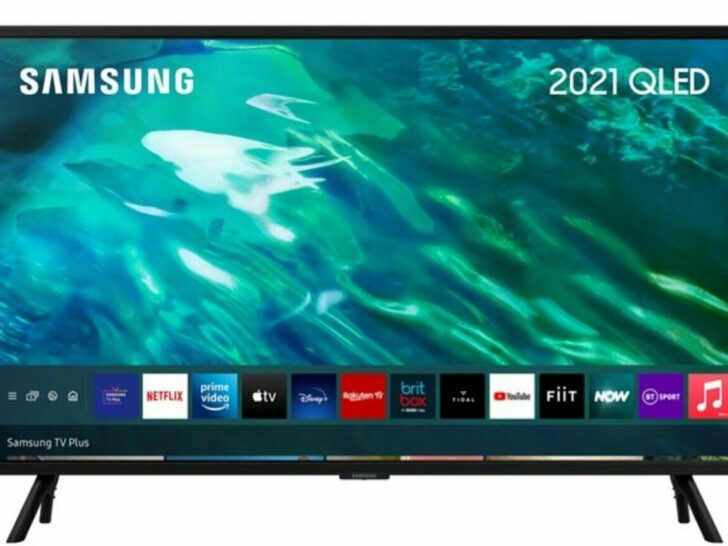
Indeed, Samsung TVs fit all that. Specifically, if you’re looking for a Samsung TV with HDMI 2.1 compatibility, you’ll find them in most models manufactured after 2019; however, you should still examine the TV’s specifications to learn more about the features that come standard.
By continuing to use this website you agree to our Terms of Use. If you don't agree to our Terms, you are not allowed to continue using this website.
Available Samsung Models
Samsung makes several smart TVs with HDMI 2.1 standard connectors. However, you can find HDMI 2.1 in Samsung TVs that are manufactured after 2019.
| Year | 2021 | 2020 | 2019 |
| HDMI 2.1 Supported Models | AU800, Q60A, Q70A, Q80A, QN85A, QN90A | TU8000, Q60OT,Q70OT, Q80OT, Q95T, Q800T, Q950T | Q90R, Q900R |
Is HDMI 2.1 Compatible With Older Models of Samsung Televisions?
HDMI 2.1 is a relatively new standard for HDMI ports that allows for higher bandwidth and new features, such as support for 4K and 8K video at higher frame rates, variable refresh rates, and enhanced audio return channels.
While some older models of Samsung televisions may have HDMI ports that are physically capable of supporting HDMI 2.1, they may not be able to take advantage of all the features of the HDMI 2.1 standard due to limitations in the TV’s hardware and software.
For example, some older Samsung TVs may have HDMI 2.0 ports, which are not capable of supporting the full range of features offered by HDMI 2.1. Additionally, even if a Samsung TV has an HDMI 2.1 port, it may not support all the features of HDMI 2.1 due to hardware or software limitations.
Therefore, it is recommended to check the specifications of your Samsung TV model to determine whether it has HDMI 2.1 ports and what features are supported. If you are unsure, you can check with Samsung customer support or consult with a trusted retailer for more information.
Do You Need an Update Right Now?
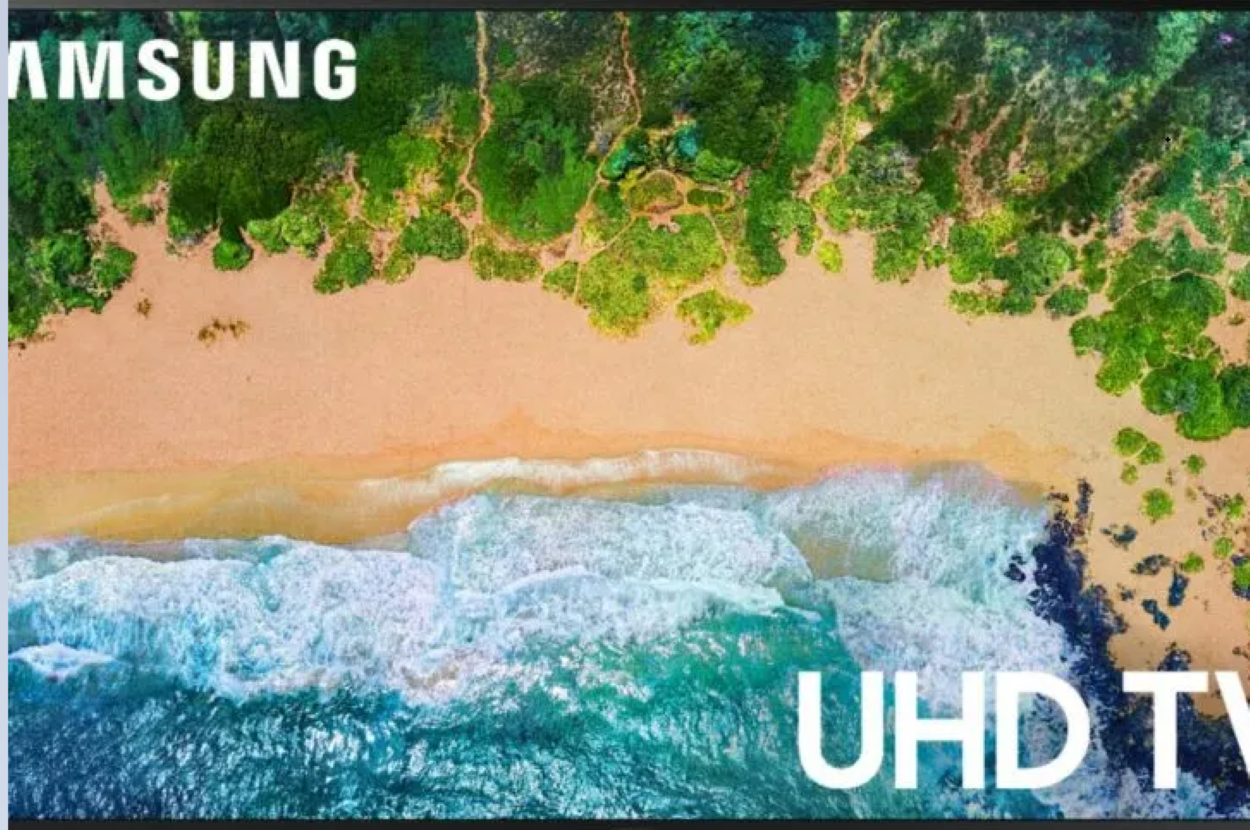
Upgrading to HDMI 2.0 or 2.1 may be worth it in Samsung TVs if you have devices that require or can take advantage of the features that the new HDMI standard offers. Some benefits of upgrading to HDMI 2.0 or 2.1 include:
- Higher resolution support: HDMI 2.0 and 2.1 supports higher resolutions than older HDMI versions, such as 4K and 8K, which can offer sharper and more detailed images.
- Higher frame rates: HDMI 2.0 and 2.1 supports higher frame rates than older HDMI versions, which can improve motion handling and reduce blur in fast-moving scenes.
- Variable refresh rate (VRR) support: HDMI 2.1 includes VRR support, which can reduce screen tearing and improve the overall gaming experience.
- Enhanced audio support: HDMI 2.0 and 2.1 support enhanced audio features such as eARC (enhanced Audio Return Channel), which can deliver higher-quality audio from your TV to your sound system.
However, it’s important to note that not all Samsung TVs support HDMI 2.0 or 2.1, and even if your TV does support it, you may not notice a significant difference if you don’t have devices that can take advantage of the new features. Additionally, upgrading to HDMI 2.0 or 2.1 can be expensive, especially if you need to replace multiple cables and devices.
Ultimately, whether upgrading to HDMI 2.0 or 2.1 is worth it depends on your individual needs and preferences, as well as the devices you plan to connect to your TV. It’s important to do your research and consider your options before making a decision.
Other FAQs (Frequently Asked Questions)
Do Samsung TVs come with a 2.1 HDMI connection by default?
Answer: Depending on the model of your television, this could include HDMI 2.1 for 4K gaming at 120 frames per second for TVs with a model number of Q70T or higher, VRR (Variable Refresh Rate) support for extremely low input lag for TVs with a model number of Q70T or higher, and ALLM (Auto Low Latency Mode) for optimized gaming settings, amongst other features.
Does the upgrade from an HDMI 2.0 cable to an HDMI 2.1 cable result in a noticeable difference in the quality of the video?
Answer: In comparison to HDMI 2.0, which only supports 18Gbps of bandwidth, the bandwidth of HDMI 2.1 is 48Gbps, which is a significant improvement. In addition to this, HDMI 2.1 was the first version to include standardized support for variable refresh rate (VRR), auto low latency mode (ALLM) to ensure the lowest possible input lag when gaming, and enhanced audio return channel (eARC).
What are the telltale signs that my HDMI port is version 2.1 as opposed to version 2.0?
Answer: It may be difficult to distinguish HDMI 2.1 cables from other types of cables because many older cables that are still compatible with earlier versions of the standard are still being sold as HDMI 2.1 cables. This is due to the fact that HDMI 2.1 cables were introduced in 2002. When trying to determine whether a cable is version 2.1 or version 2.1a, the method that’s both the quickest and the easiest is to look for a label that either reads “2.1” or “2.1a.” To put it another way, cables marked with a 2.0 cannot be plugged into ports marked with a 2.1, and vice versa.
Is HDMI 2.1 compatible with a 4K television set?
Answer: Yes. Ultra High-Speed HDMI cables are capable of supporting the full range of features offered by both HDMI 2.1a and HDMI 1.4b. Installations that have monitors that are capable of displaying images at a resolution of 1080p or 4K will benefit from making use of the new Ultra High-Speed HDMI connections.
Conclusion
- It’s essential to consider how smart home technology fits into your home when purchasing a new hi-tech device, especially smart TV.
- You shouldn’t ever have to be concerned about your gaming session or the video you’re streaming being disrupted if you are taking advantage of new advancements.
- When it comes to your material, you need to have reliable download speeds and real-time refresh rates at your disposal.
- The question of which Samsung smart TVs have the HDMI 2.1 specification and the enhanced features that are provided by it has been answered in this article, as has the question of how you can use HDMI 2.1 on your Samsung TV even if you don’t have a model that has this port built-in!