
If you are moving out of your home or simply want to transfer ownership of your Nest thermostat to someone else, it is important to follow the proper steps to ensure that the transfer is completed smoothly and securely.
A Nest thermostat can be a valuable addition to a home, providing increased energy efficiency, comfort, and convenience. However, it is tied to the original owner’s Nest account and home, which can make transferring ownership a bit more complicated.
In this article, we will discuss the steps involved in transferring ownership of your Nest thermostat, including how to remove it from your account and how to add it to the new owner’s account.
By following the steps discussed in this article, you can ensure that the new owner is able to enjoy the full benefits of the Nest thermostat and that your personal information remains secure.
By continuing to use this website you agree to our Terms of Use. If you don't agree to our Terms, you are not allowed to continue using this website.
How to Transfer Ownership of Your Nest Thermostat?
You can transfer ownership of your Nest Thermostat to a new owner while ensuring that the device is properly removed from your account and connected to the new owner’s account.
This process can help to maintain the security and privacy of your personal information while allowing the new owner to enjoy the full benefits of the Nest Thermostat.
| Step | Action | Explanation |
|---|---|---|
| 1 | Remove the Nest Thermostat from your account | Open the Nest app and select the Thermostat. Go to the settings and select “Remove Thermostat” from the menu. Confirm that you want to remove the device from your account. |
| 2 | Factory reset the Nest Thermostat | Press and hold the Nest Thermostat’s display until a menu appears. Select “Settings” and then “Reset”. Confirm that you want to reset the device to its factory settings. |
| 3 | Add the Nest Thermostat to the new owner’s account | The new owner should download the Nest app and create a new account if they do not already have one. They can then select “Add Product” from the settings menu and follow the on-screen instructions to connect the Nest Thermostat to their account. |
| 4 | Verify the new owner’s information | The new owner should ensure that their information, including their name, address, and payment information, is correctly entered into the Nest app. They should also confirm that the thermostat is set up to work with their home’s heating and cooling system. |
| 5 | Test the Nest Thermostat | The new owner should test the Nest Thermostat to ensure that it is functioning properly and that they are able to control the temperature and other settings using the Nest app. They should also check that the device is properly connected to their Wi-Fi network. |
| 6 | Provide the new owner with any necessary documentation | If you have any documentation related to the Nest Thermostat, such as the original receipt or warranty information, you should provide this to the new owner. This can help them with any future troubleshooting or support needs. |
Why Transfer Ownership of Your Nest Thermostat?
There are several reasons why you might want to transfer ownership of your Nest thermostat:
- You are moving: If you’re moving to a new home, you may want to transfer ownership of your Nest thermostat to the new homeowner so that they can continue to use it.
- You are selling your home: If you’re selling your home, you may want to transfer ownership of your Nest thermostat to the new homeowner as part of the sale.
- You are giving the Nest thermostat as a gift: If you’re giving your Nest thermostat as a gift to someone else, you’ll need to transfer ownership to them in order for them to be able to use it.
- You no longer want to use the Nest thermostat: If you no longer want to use your Nest thermostat, you may want to transfer ownership to someone else who does.
In any of these cases, transferring ownership of your Nest thermostat is a straightforward process that can be done through the Nest app or the Nest website. The new owner will need to create a Nest account and accept the transfer of ownership in order to gain control of the thermostat.
What to do if you can’t transfer ownership?
Reset the device
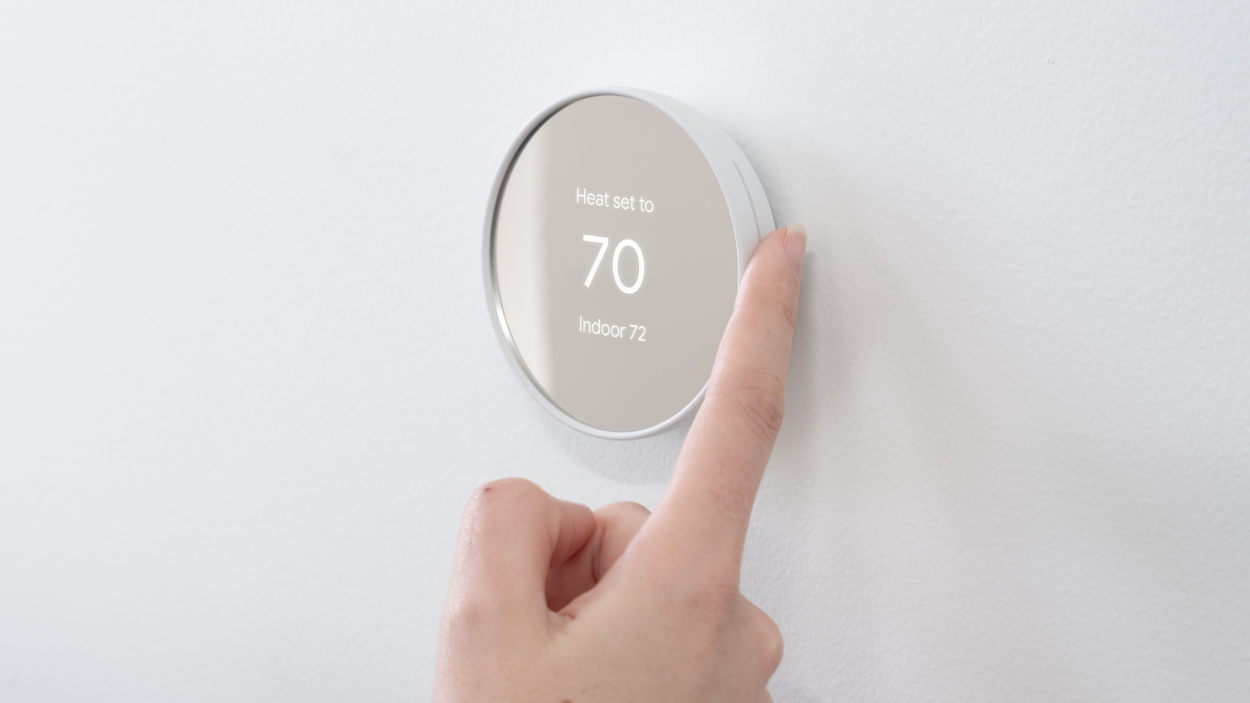
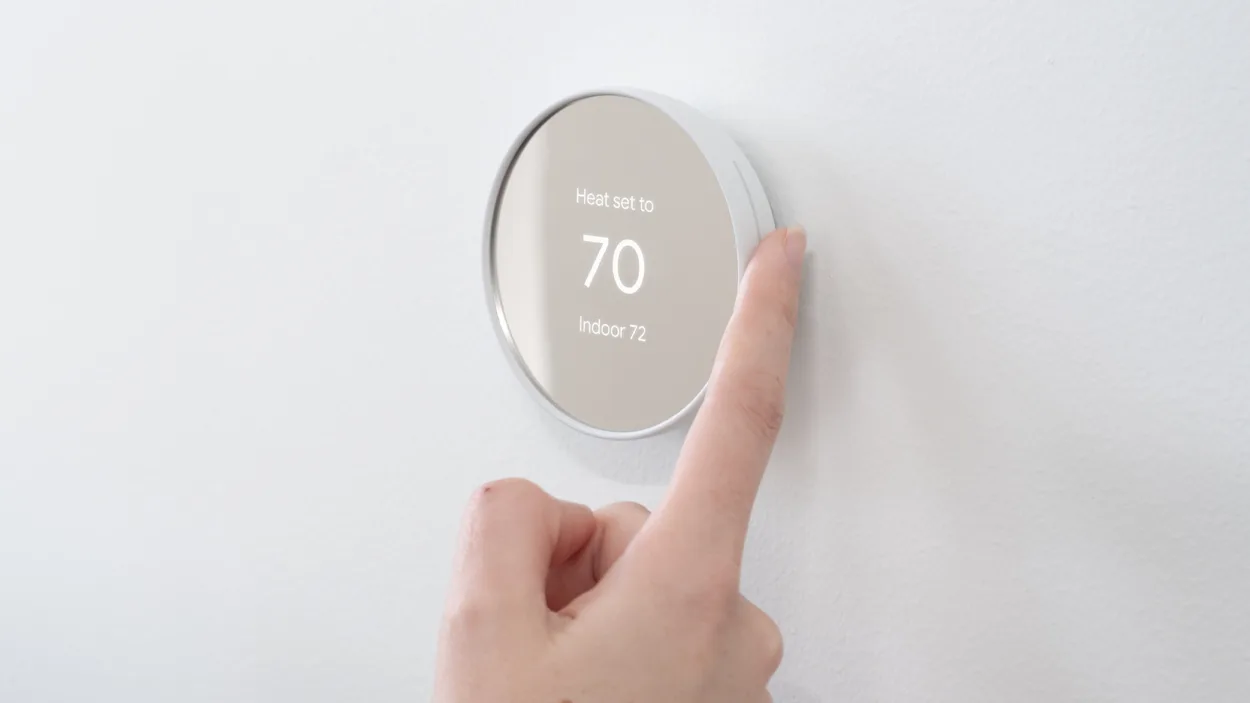
If you’re having trouble removing the thermostat from your account, try resetting the device to its factory settings. To do this, press and hold the thermostat’s display until a menu appears. Then select “Settings” and then “Reset.” This should remove all data from the device and make it easier to transfer ownership.
Contact Nest customer support
If resetting the device doesn’t work, you can contact Nest customer support for assistance. They may be able to help you troubleshoot the issue or provide other solutions for transferring ownership.
Provide documentation to the new owner
If you’re unable to transfer ownership of the device, you can provide documentation to the new owner to help them set up the thermostat on their own account. This might include the original receipt, warranty information, or any other relevant documentation.
Disclose the situation to the new owner
If you’re unable to transfer ownership of the device and the new owner is still interested in using it, you should disclose the situation to them.
Explain that you were unable to transfer ownership and that they will need to set up the thermostat on their own account. Make sure they understand the risks involved, such as potential data privacy issues, and that they are willing to accept those risks.
It’s important to note that if you’re unable to transfer ownership of your Nest Thermostat, the new owner may not be able to access certain features or services associated with the device.

Tips for Transferring Ownership of Your Nest Thermostat
Here are a few tips to keep in mind when transferring ownership of your Nest thermostat:
- Make sure you’ve got the email address of the new owner: You’ll need to enter the email address of the new owner in order to send them an invitation to accept the transfer of ownership.
- Make sure the new owner has a Nest account: The new owner will need to create a Nest account and accept the transfer of ownership through the invitation email in order to gain control of the thermostat.
- Double-check that the transfer of ownership is complete: Once the transfer of ownership is complete, the new owner should be able to control and manage the Nest thermostat using their own Nest account.
- Consider transferring any additional Nest products you may have: If you’ve other Nest products, such as a Nest security camera or Nest doorbell, you may also want to transfer ownership of these products to the new owner.
Troubleshooting Common Issues When Transferring Ownership
Here are some tips for troubleshooting common issues that may arise when transferring ownership of your Nest thermostat:
- Double-check that you entered the correct email address. If the email address is correct, you may ask the new owner to check their spam or junk mail folder, as the invitation email may have been delivered there by mistake.
- If the new owner doesn’t receive the invitation email or is unable to accept the transfer of ownership, you may want to ask them to check that they have created a Nest account and that they are logged in to the correct account when trying to accept the transfer.
- If you are unsure whether the transfer of ownership was successful, you can check with the new owner to make sure they are able to access the Nest thermostat using their own Nest account.
- If you encounter any other issues during the transfer of ownership process, you can contact Nest customer support for assistance.
By following these troubleshooting tips, you should be able to resolve most issues that may arise when transferring ownership of your Nest thermostat.
Ensure Data Privacy
Steps to ensure data privacy during a transfer of ownership for your Nest Thermostat are as follows:
- Remove the Nest Thermostat from your account
- Perform a factory reset to erase all personal data from the device
- Delete your personal information from the Nest app
- Ensure that the new owner’s information is properly entered into the Nest app
- Confirm that the device is properly connected to the new owner’s Wi-Fi network
Following these steps will ensure that your personal data is protected during the transfer of ownership and that the new owner can properly control and use the Nest Thermostat without any interference.
FAQs
Can I control my Nest Thermostat remotely?
Yes, you can control your Nest Thermostat remotely using the Nest app. Simply download the app onto your smartphone or tablet and log in to your Nest account. From there, you can adjust the temperature, set schedules, and view your energy usage from anywhere.
How does the Nest Thermostat save energy?
The Nest Thermostat uses advanced algorithms to learn your temperature preferences and schedule. It also uses sensors to detect when you are home or away and adjusts the temperature accordingly. By using these features, the Nest Thermostat can save up to 10-15% on your energy bills.
Can I Transfer Ownership of My Nest Thermostat to Multiple People?
No, you can only transfer ownership of your Nest thermostat to a single person. If you want to share access to the thermostat with multiple people, you can add additional users to your Nest account as “members.”
Members will be able to control and manage the thermostat, but will not have the same level of access as the account owner.
Conclusion
Transferring ownership of your Nest Thermostat can be a simple process when done correctly. Following the steps outlined in this article can ensure a smooth transfer of ownership and protect your personal data.
By removing the device from your account, performing a factory reset, and properly entering the new owner’s information into the Nest app, you can ensure that the device is ready for use by its new owner without any interference.
It is important to prioritize data privacy during a transfer of ownership to prevent any unauthorized access or use of personal information. By taking these steps, you can ensure a successful transfer of ownership and continued use of your Nest Thermostat by its new owner.