
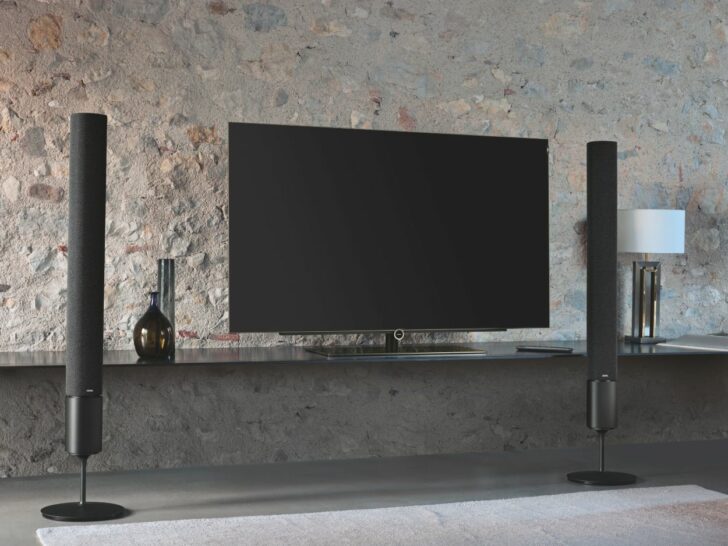

As a Toshiba TV owner, you may have encountered the issue of the TV screen turning black unexpectedly. The screen may turn black while the audio continues to play, or the entire TV may shut off.
Simple issues can cause a black screen on your Toshiba TV. Try a power cycle by unplugging the TV for 30 seconds after holding the power button for 15 seconds. Check cable connections and make sure you’re on the right input source.
This issue can be frustrating, especially when you are in the middle of watching your favorite show or movie. This article will provide an in-depth guide to the causes and solutions to Toshiba TV’s black screen problems.
| Power supply issues | If your Toshiba TV screen is black, it may be due to a power supply issue. Check that the power cord is securely plugged into the TV and the outlet works. If not, try using a different outlet and ensure the power surge protector is not turned off or has tripped a breaker. |
| Damaged or loose cables | Changing display settings can cause a black screen on your Toshiba TV. Check the display menu’s resolution and refresh rate settings to ensure compatibility with your TV’s specifications. |
| Firmware issues | If the firmware or software on your Toshiba TV is outdated, it may result in a black screen. To fix this, look for updates in the settings menu and download and install them. If you require assistance, refer to the user manual. |
| Hardware problems | Physical damage or hardware malfunction can cause a black screen on your Toshiba TV. Contact Toshiba support for assistance and they will provide further guidance. They may arrange a repair or replacement and diagnose the issue over the phone if necessary. You may be eligible for a replacement if your TV is still under warranty. |
| Remote control issues | If your Toshiba TV screen is black, it could be a problem with the remote control. Replace the batteries and point the remote directly at the TV. If that doesn’t work, try a universal remote or contact Toshiba support for help. |
| Overheating | If your Toshiba TV isn’t well-ventilated or has dust buildup, it can overheat and display a black screen. To avoid this, ensure the TV is placed in a well-ventilated area, clean it regularly, and consider using a cooling fan if needed. |
| Display settings | Changing display settings can cause a black screen on your Toshiba TV. Check the resolution and refresh rate settings in the display menu to ensure compatibility with your TV’s specifications. |
By continuing to use this website you agree to our Terms of Use. If you don't agree to our Terms, you are not allowed to continue using this website.
Possible Causes of Toshiba TV Black Screen
There are several possible causes of a black screen on your Toshiba TV, including:
Power supply issues
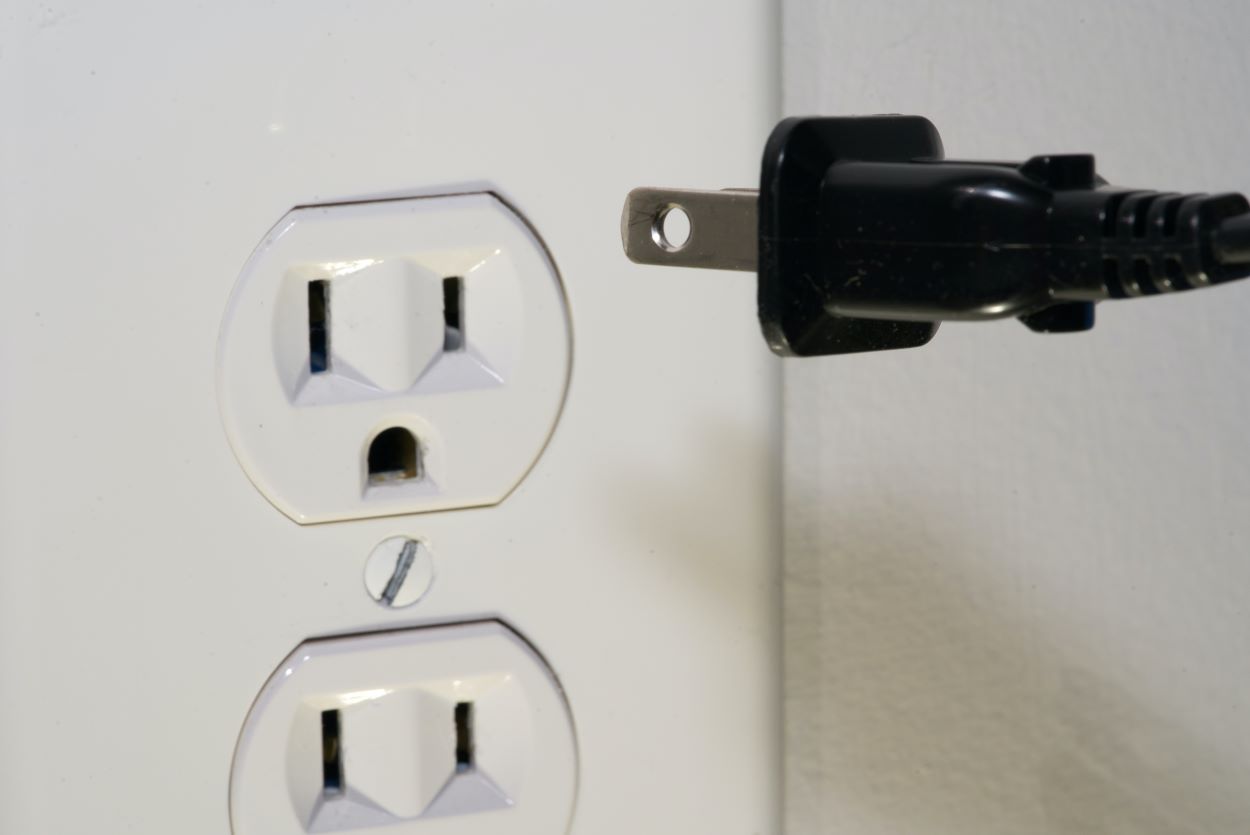
If your Toshiba TV isn’t receiving power from the outlet, it will not turn on, and the screen will remain black. This can happen if a power outage or the power cord isn’t plugged in correctly.
Check the power source by ensuring that your TV is connected to a working power outlet and the power cord is securely plugged into the TV.
If the power outlet isn’t working, try plugging your TV into a different outlet. Additionally, if you have a power surge protector, check that it is not turned off or has tripped a breaker.
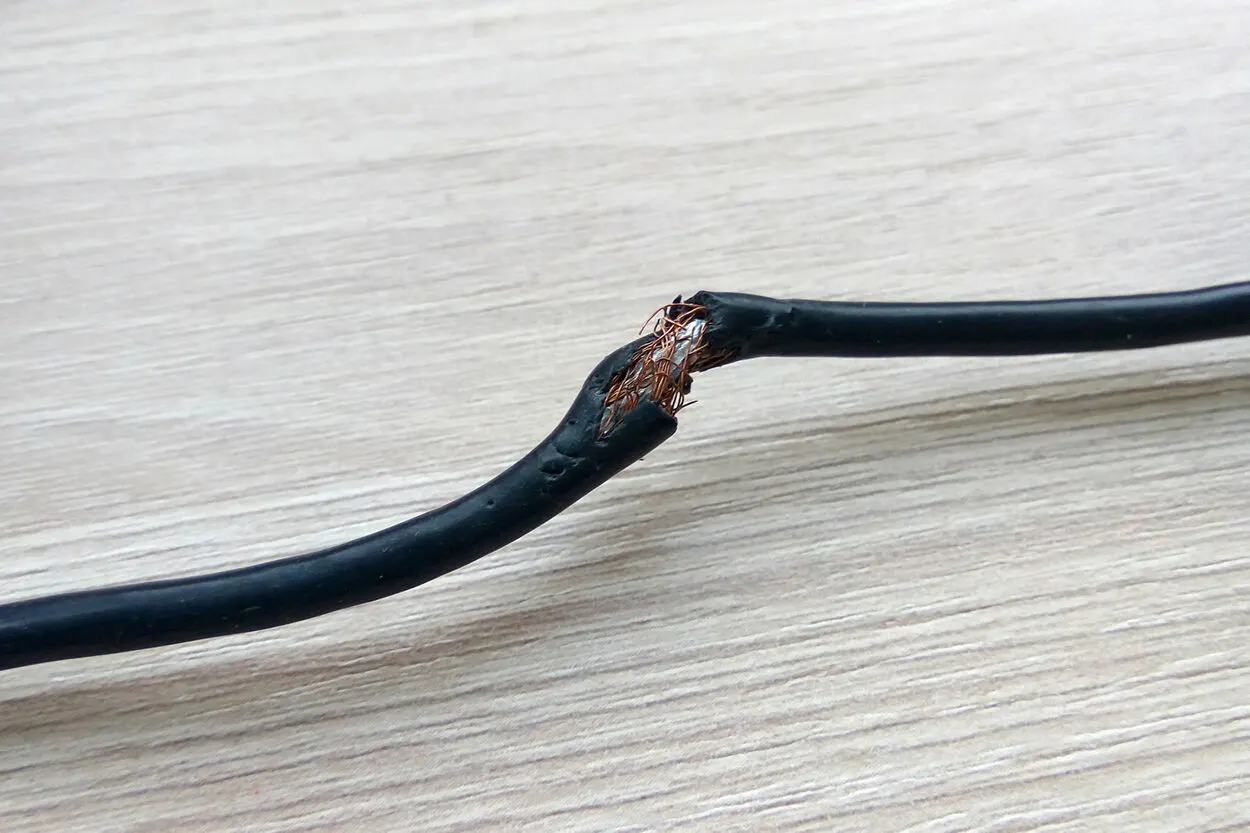
Damaged or loose cables
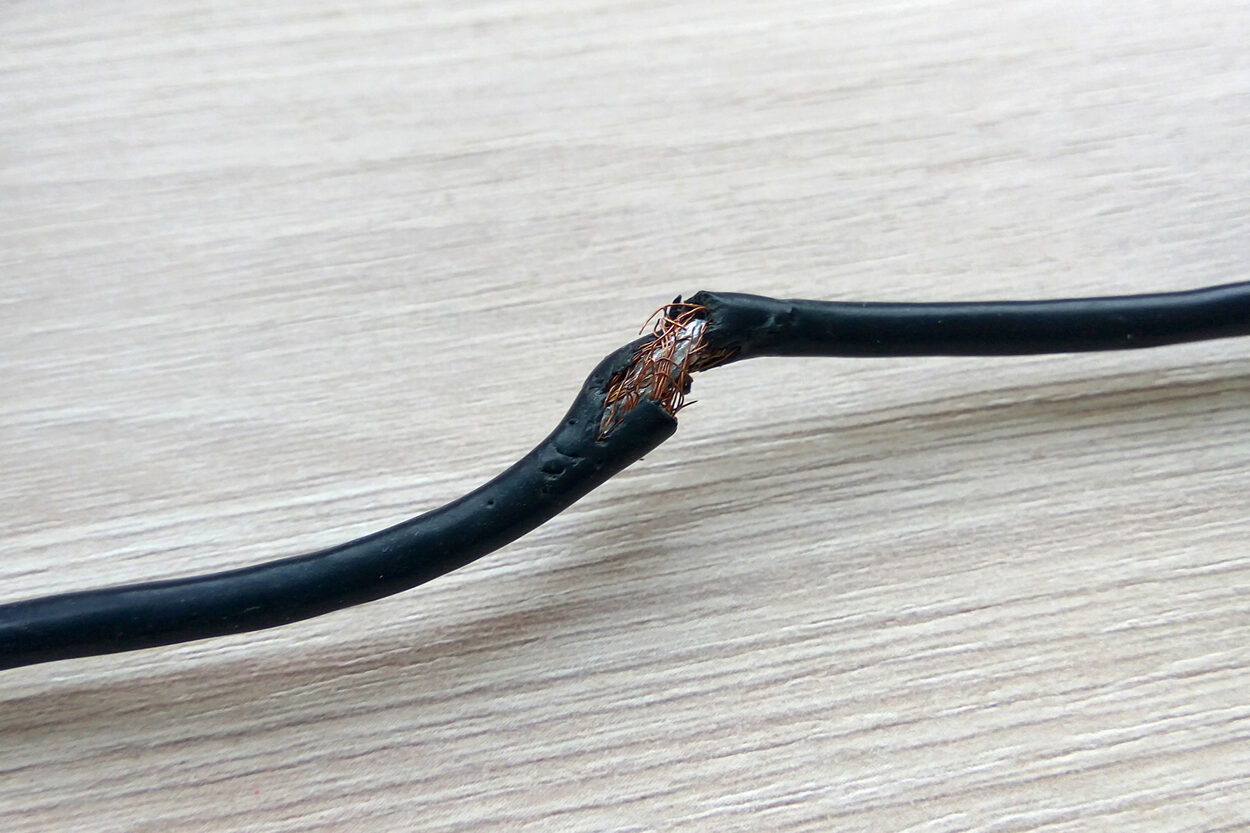
Loose or damaged cables, especially HDMI or AV cables, can result in a black screen on your Toshiba TV. This can happen if the cables are not plugged in properly or damaged.
Check all cables connected to your TV, especially the HDMI or AV cables, and ensure they’re correctly plugged in. If you notice any visible cable damage, replace them immediately with new ones.
Also, try using different cables to see if the issue persists. In addition, check for any damage or loose connections on the back of the TV itself, as this can cause issues.
Firmware issues
Outdated firmware or software can cause your Toshiba TV to stop working properly and display a black screen. This can happen if you haven’t updated the firmware in a long time or had an error during the update process.
Navigate to the settings menu on your TV and check for any available firmware or software updates. If an update is available, download and install it to ensure your Toshiba TV runs on the latest firmware.
Besides, follow the instructions carefully to avoid errors during the update process. If you are unsure of how to do this, refer to your TV’s user manual for instructions.
Hardware problems
If your Toshiba TV has suffered physical damage or has a malfunction with the hardware, it can result in a black screen. This can occur if the TV is dropped or there’s an internal component issue.
If none of the above steps work, and your Toshiba TV still displays a black screen, contact Toshiba support for assistance.
Toshiba support will be able to provide you with further guidance and may arrange for a repair or replacement if necessary. They may also be able to help diagnose the issue and provide a solution over the phone.
Remote control issues
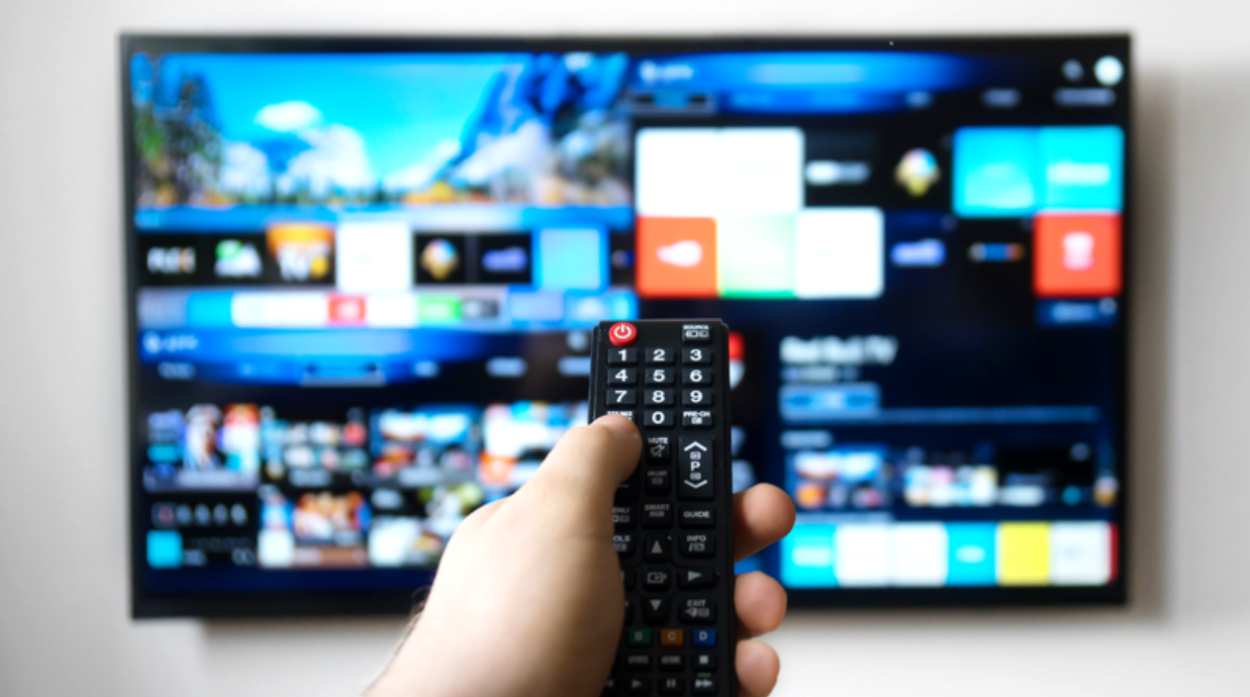
Sometimes, the issue may not be with your TV itself but with your remote control. If the remote control is not working correctly, you may be unable to turn on your TV or change the input source, resulting in a black screen.
Try replacing the batteries in your remote control and ensure it’s pointed directly at the TV when you press a button.
If this doesn’t work, try using a universal remote control to see if it resolves the issue. If the problem persists, contact Toshiba support for assistance.
Overheating
Overheating can cause a Toshiba TV to shut down or display a black screen. This can happen if the TV is placed in a location with poor ventilation or dust buildup on the internal components.
Ensure your TV is placed in a well-ventilated area, away from direct sunlight and heat sources.
Clean the dust buildup on the back of the TV and its internal components regularly. You may also consider using a cooling fan to help prevent overheating.
Display settings
Adjusting your TV’s display settings can sometimes cause the screen to go black. For example, if you change the resolution or refresh rate to a setting that isn’t supported by your TV, it may result in a black screen.
Navigate to the display settings on your TV and ensure that the resolution and refresh rate settings are compatible with your TV’s specifications.


Toshiba TV Facts and Insights
- Toshiba TVs have been a household name for decades, known for their reliability and affordability. However, Toshiba itself no longer directly manufactures TVs. Licensing agreements with other companies like Hisense means current Toshiba TVs may differ from past models.
- Reviews on Toshiba TVs can vary depending on the specific model and year of manufacture. Some users praise their affordability and basic functionality, while others might find picture quality or smart features lacking compared to higher-end brands.
- Due to the licensing agreements, quality and features might differ between Toshiba TV models. It’s important to research specific models before buying.
Frequently Asked Questions
What is the average lifespan of a television?
The LED TV has an average lifespan of 40,000 to 60,000 hours or around 4.5 to 6.8 years.
Can a TV be reset to factory settings?
Click the (Quick Settings) or ACTION MENU buttons. Depending on your TV’s menu choices, the subsequent steps will change: Then click System, About, Reset, Factory Data Reset, Erase Everything, and finally, click Yes.
What happens if the TV fuse blows?
The TV quits functioning. The power supply always has a fuse; if it blows, no power will reach the other equipment.
Conclusion
- A dark screen on your Toshiba TV may result from a power supply problem. Take a moment to examine whether the power cord is connected properly to the TV and if the electrical socket is functional. If not, attempt to switch to another outlet and verify that the power surge protector is inactive or has tripped a breaker.
- Loose or damaged HDMI or AV cables can cause a black screen on your Toshiba TV. Check all cables are plugged in correctly and replace any that are damaged. Inspect the TV for damage or lost connections.
- Outdated firmware or software can lead to a black screen on your Toshiba TV. Check for updates in the settings menu and download/install them. Refer to the user manual for guidance.
- Damaged or malfunctioning hardware can lead to a black screen on your Toshiba TV. In such cases, contacting Toshiba support is recommended to receive further guidance. Toshiba support may arrange for repair or replacement, diagnose the issue over the phone, and provide suitable solutions. You may also be eligible for a replacement if your TV is still under warranty.
- A faulty remote control can cause a black screen on your Toshiba TV. Replace the batteries and point the remote directly at the TV. If the issue remains, try a universal remote or contact Toshiba support for assistance.
- Poor ventilation or dust buildup can cause overheating, leading to a black screen. Place your Toshiba TV in a well-ventilated area, clean it regularly, and use a cooling fan if necessary.
- Incorrect display settings may result in a black screen on your Toshiba TV. Verify compatibility with your TV’s specifications by checking the display menu’s resolution and refresh rate settings.
Other Articles
Sharp TV Refuses to Turn On (How to Fix?)
How To Fix Samsung TV Stuck On TV Plus Issue? (Troubleshooting Guide)
Disable Audio Description on HBO Max (Step By Step Guide)
Click here to view the Visual Story Version of this Article.