
Short Answer: To speed up a slow Roku TV, restart it and update the TV’s firmware.
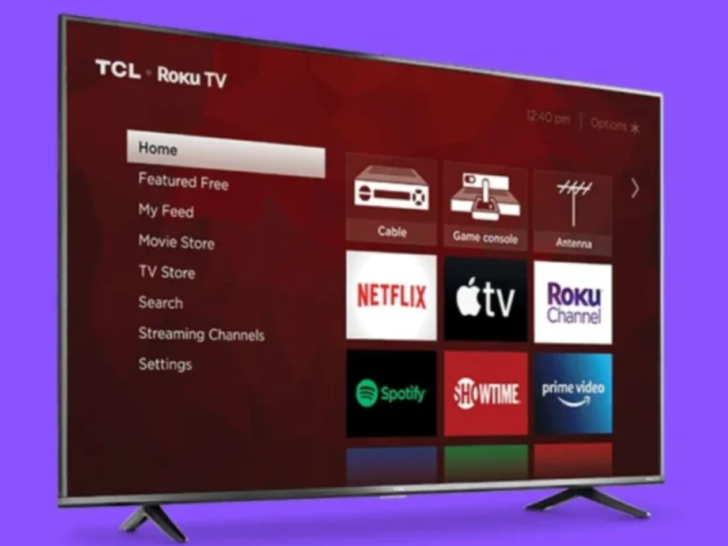
Roku makes its own TV – the Roku Select and Plus Series. Roku claims that 38% of TVs sold in the US are Roku brand. There is really no denying Roku TVs are amongst the biggest names in the world of smart TVs.
Roku TV comes with sophisticated features and a decent operating system with no lagging. With the Roku TV, you’ll be able to watch your favorite shows without interruption as long as you’re connected to high-speed internet.
The number of Internet-connected TV devices has grown significantly in recent years, especially Over-the-Top (“OTT”) streaming devices, such as Roku TV and Amazon Fire TV. OTT devices offer an alternative to multi-channel television subscription services, and are often monetized through behavioral advertising
Now:
Let me show you how to speed up a Roku TV. Keep reading!
By continuing to use this website you agree to our Terms of Use. If you don't agree to our Terms, you are not allowed to continue using this website.
How to Fix Slow Roku TV
Here are the solutions for fixing a slow Roku TV:
| SOLUTION | DESCRIPTION |
| Restart the TV. | Unplug the TV from the power source. Wait for five seconds before turning it on. |
| Update the TVs firmware. | Navigate to Roku TV settings and check for system updates. Install the newer version of the OS if there is any. |
| Restart the modem/router. | Turn off the router/modem and unplug it from the power source. Wait for five seconds before turning it on. If there is a problem with your internet connection, call your service provider. |
| Call Roku TV Support. | Get in touch with Roku TV Support for further technical help. |
Why is my TCL Roku TV slowing down?
TCL Roku TV may slow down due to defective hardware, outdated software, and slow internet connection.
Defective hardware affects the overall performance of the TV. At this point, you’re better off taking the TV to a qualified technician to check it properly.
Outdated software can also slow down the performance of the TCL Roku TV due to bugs and old features. Downloading the latest firmware version should fix the problem. You should also try the factory reset in case the problem is still persisting.
Moreover, with slow internet, you’ll notice the content and features on your TCL Roku TV load slowly. In some cases, it’ll buffer while you’re trying to watch or view something. So, make sure to have a powerful internet connection for your TCL Roku TV to work.


Image Credit : Reddit
Bonus Tips on How to Speed Up Roku TV
Here are a few tips that can help speed up the Roku TV:
- Update the Roku firmware.
- Update the Roku apps.
- Remove unused apps from the TV.
- Restart the TV when it freezes or lags.
- Make sure to have a good internet connection.
Wrap Up
There are ways to speed up the performance of a slow Roku TV such as restarting the TV, resetting it, and making sure you have the latest firmware. If the problem is still unsolved, maybe it’s time to replace your slow Roku TV with a new one.
For more tips on how to operate the Roku TV, read this article!
Other Articles
- Do Samsung TVs have Dolby Vision? (Revealed!)
- What to Do If Your Hisense TV Keeps Turning On and Off? (Find Out!)
- Which Soundbars Are Compatible With Hisense TV? (Find Out!)
Click here to view the Visual Story Version of this Article.