
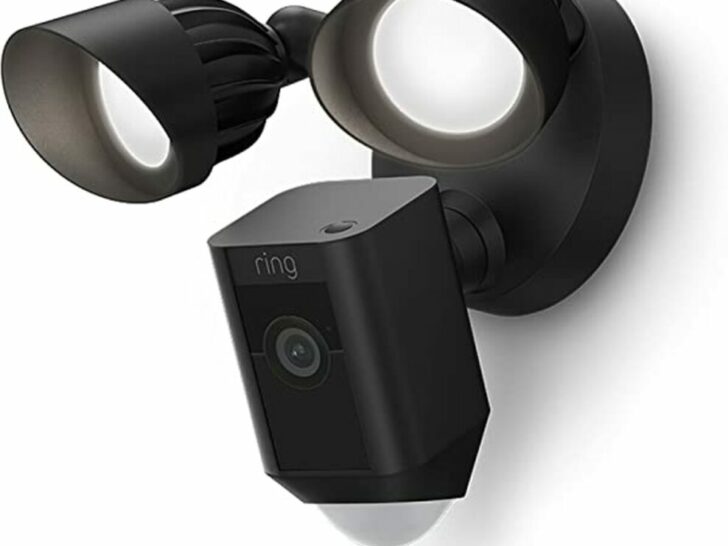
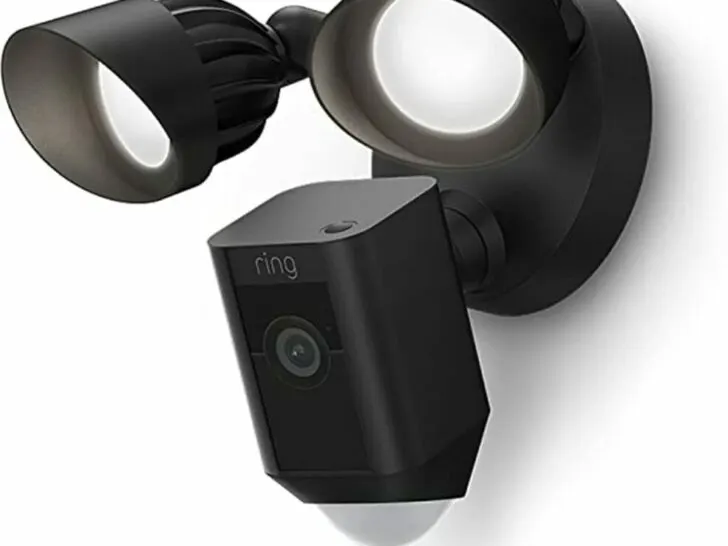
There are many systems with a variety of options for securing your home, and home security devices can help you feel safer there.
Fixes for flashing Ring Floodlights that don’t necessarily strobe but alternate between on and off too frequently include:
- Replacing the batteries.
- Adjusting the light’s sensitivity controls.
- Checking the firmware.
- Checking the hardware.
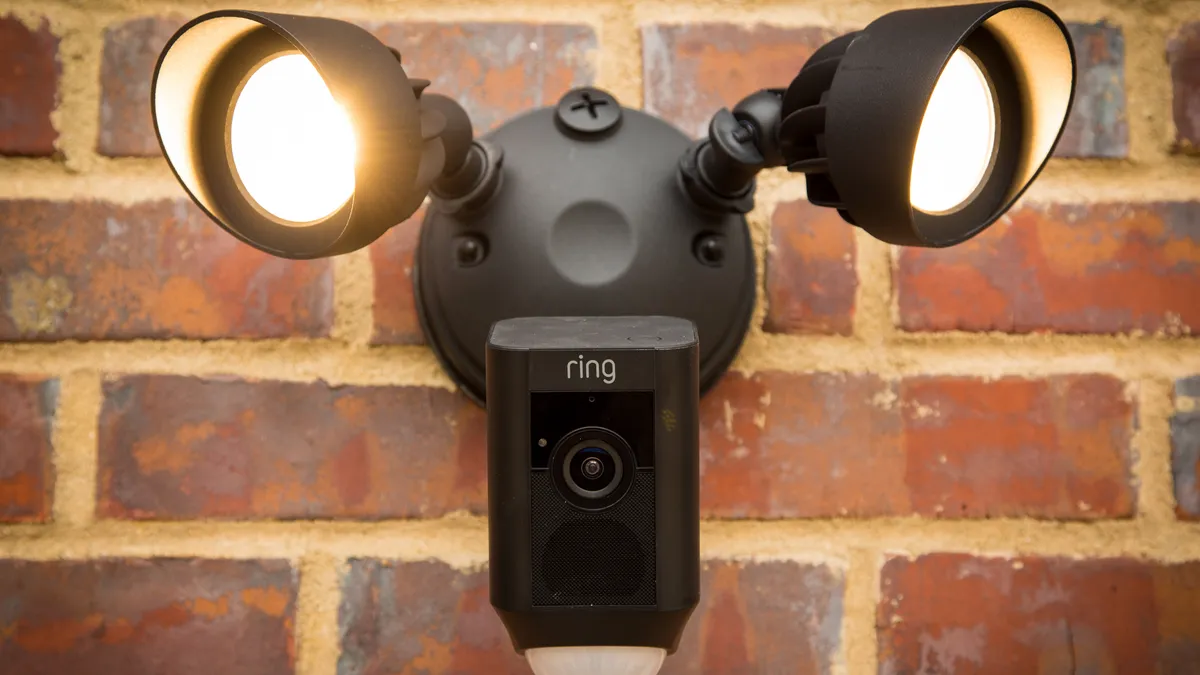
If none of these fixes work to resolve your flashing Ring Floodlight problem, you might need to have your device repaired.
Fortunately, the above-mentioned fixes are relatively simple and can be completed quickly without the need for an electrician or home security specialist.
| Replacing the Batteries | In the case of the Ring Floodlight, the blinking is most likely caused by a dying battery. If you are having this problem, charging the battery should solve it. |
| Adjusting the Light’s Sensitivity Controls | The sensor’s sensitivity can be adjusted so that a dog strolling around the yard won’t set off the floodlights, but a person walking up to the house will. |
| Checking the Firmware | If your security system’s firmware hasn’t been updated since a previous Ring release, that could be the issue. |
| Checking the Hardware | If powering down the device doesn’t fix the issue, try resetting it. If your device isn’t battery-powered, check the wiring connecting your Ring Floodlights to the outlet to make sure it’s in good working order. |
By continuing to use this website you agree to our Terms of Use. If you don't agree to our Terms, you are not allowed to continue using this website.
Replacing the Batteries
Most likely, you’ll receive some kind of warning, one of which may involve the lights turning on and off when they otherwise wouldn’t.
Your lights may turn on when the battery is low, just like your smoke detector does when its battery becomes low.
The smoke detector differs in that it was created to chirp as a warning. The flashing in the instance of the Ring Floodlight is more of a result of an expiring battery.
Charge the battery if you’re experiencing this issue, and it will likely be fixed.
Here’s What You Need to Do
To replace the battery, follow these steps:
- To open the battery compartment, press the white button.
- Pull the battery out by pushing the release tab.
- Until the charging indicator is completely green, charge it using the micro-USB connector (not flashing).
- Replace the battery, then wait a few seconds for the device to restart.
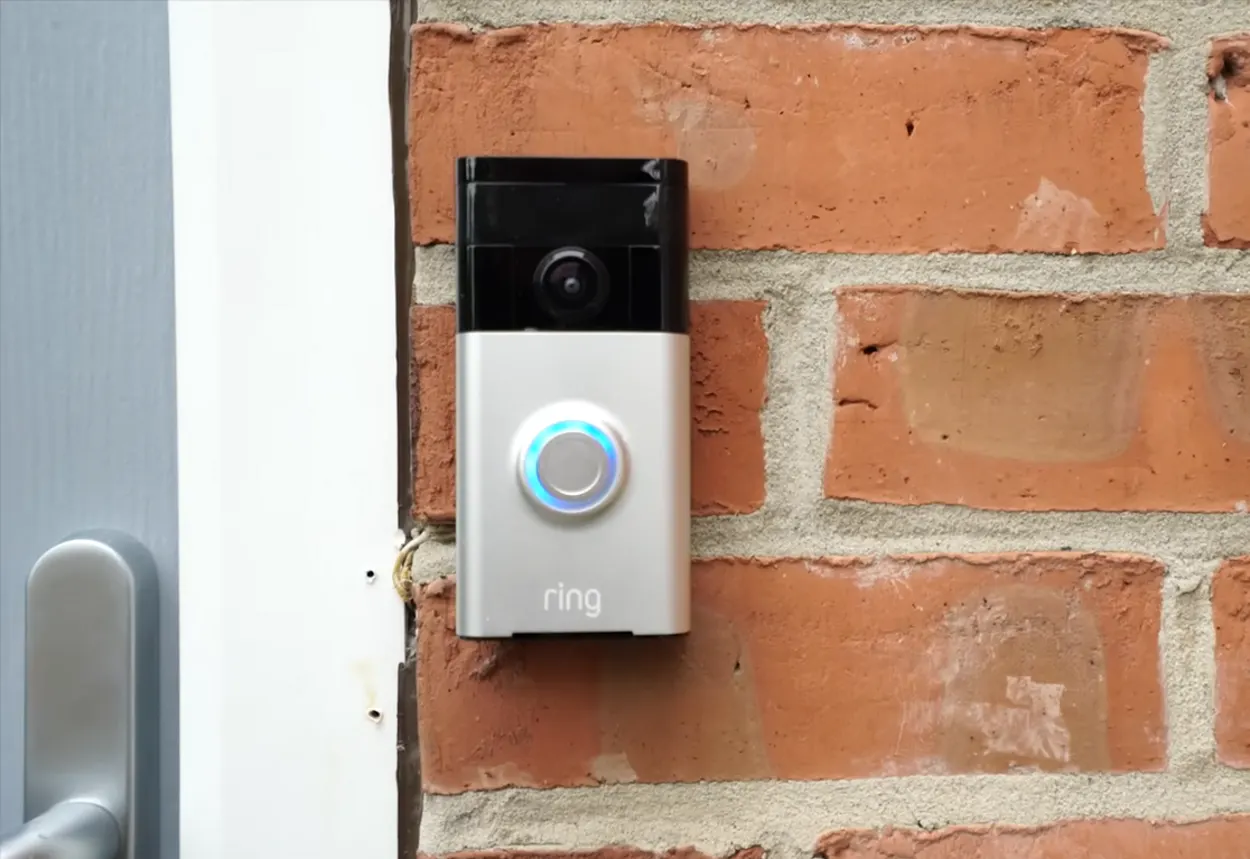
Adjusting the Light’s Sensitivity Controls
The sensor in your Ring Floodlight will respond to a lot of things, especially in a community with lots of children and animals.
Other pests prowl around yards at night when people are generally not bothered by them.
The sensor may be detecting a cat, possum, or other such object and sending the signal to trigger the lights if your sensitivity parameters are set too high.
Your lights will be essentially useless if the motion sensitivity is either too high or too low. You can reset your Goldilocks zone under the Devices tab in the Ring app.
How to Get There Is as Follows
- On your smartphone, open the Ring app.
- Tap on the ‘Devices’ tab
- Select the faulty device that is flashing on and off
- Then tap “Motion Settings” and click on “Motion Zone.”
- Follow the app’s instructions to adjust the sensor sensitivity. You can either increase or decrease sensitivity based on your preferences and needs.
Checking the Firmware
Ring releases firmware updates from time to time, and if your security system’s firmware hasn’t been updated, that could be the cause of this problem.
If a firmware upgrade is required, you will be prompted to install it on the Device Settings tab of the Ring app.
Grouping Feature
When you integrate it with your Ring doorbells and lights, you get a complete home security setup. If you’ve set up groups and notice a flashing problem, it might have something to do with how you’ve grouped them.
Here’s what you can do:
- Open the Ring app on your phone.
- Go to the Grouping page to see which lights are in each group and check how they’re performing.
- Remove the troublesome light from the group using the Ring app.
- See if the flashing stops. If it does, it could be something related to the grouping.
- After a while, try adding the light back to the groups.
- If the flashing starts again, it might be a good idea to have that specific light looked at by a professional to figure out any potential issues.
This way, you can troubleshoot systematically and pinpoint the cause of the flashing in your Ring lights and address it effectively.
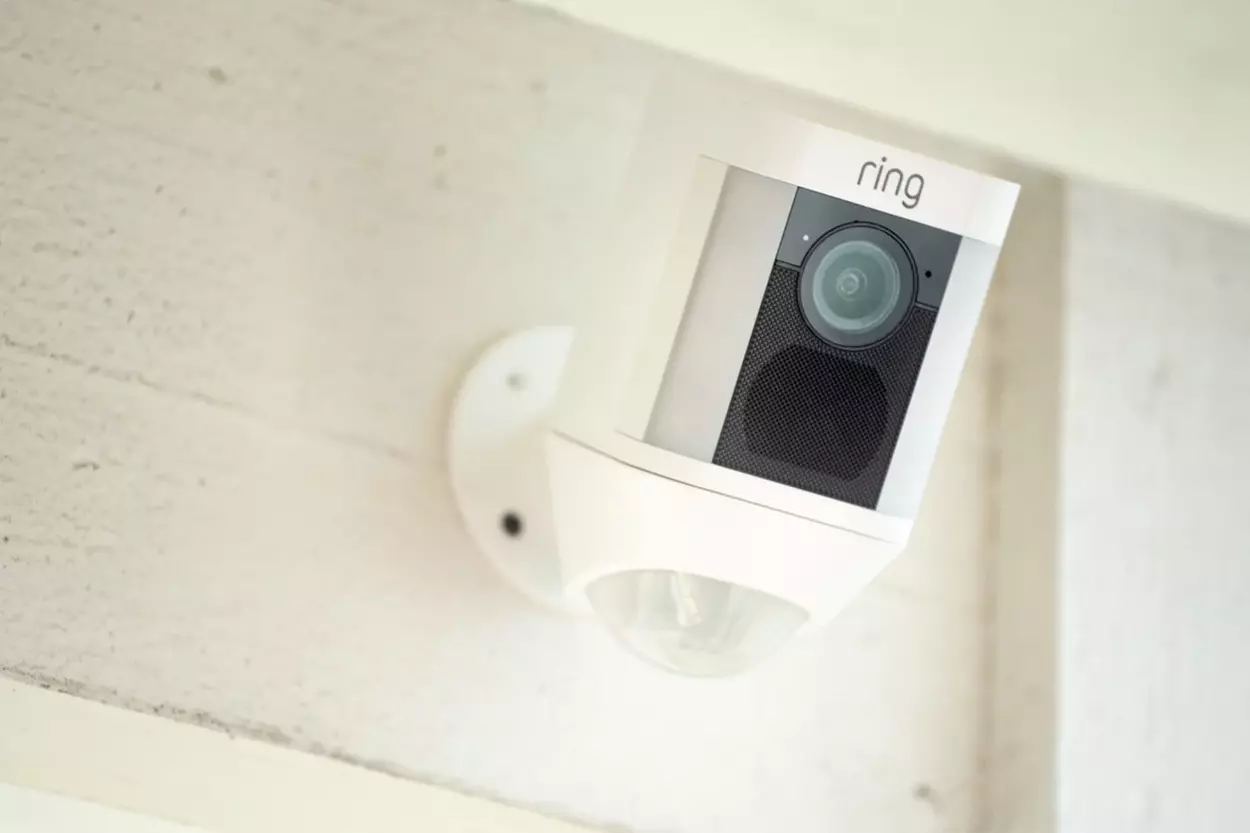
Checking the Hardware
Try resetting the unit before you spend too much time examining wiring, connections, and other things.
Do you know how the IT professional at the business often restarts your computer? Similar to that is this. What you must do is as follows: Make sure a power source is connected to your Ring Floodlight.
On the side of the device, press and hold the reset button. Note that the location may vary based on the model.
Hold off until the device resets. Reconfigure it to your preferences because the reset returned the device to its default settings.
Frequently Asked Questions
What Advantages Do Floodlights Offer?
LED floodlights offer several benefits that can help users save money over time, such as reduced electricity usage, lower maintenance costs, and a longer lifespan. Additionally, LED lights are unaffected by weather and temperature fluctuations, and since they don’t generate heat, they are the safest lighting option available.
What Causes the Flickering of a Flood Light?
If there are voltage changes in the wiring of the fixture, LED flood lights can flicker. Fluctuations in the current are often responsible for the occasional flashing or flickering of these lights.
If your LED flood lights flicker when another appliance or electrical system is in use, it is likely due to a voltage fluctuation.
How Long Do Lights With Motion Sensors Stay On?
Typically, motion sensor lights are designed to turn off within 30 to 60 seconds after movement has stopped. If your light remains on for extended periods or fails to turn off, a reset may be necessary.
Conclusion
- The flashing in the instance of the Ring Floodlight is more of a result of an expiring battery. Charge the battery if you’re experiencing this issue, and it will likely be fixed.
- You can adjust the sensitivity level of your sensor so that a dog walking through your lawn won’t trigger the floodlights while still being sensitive enough to detect an approaching person and turn them on.
- The ring releases firmware updates from time to time, and if your security system’s firmware hasn’t been updated, that could cause the problem.
- If a reset doesn’t work, a power problem can exist. If your device isn’t battery-operated, you’ll need to ensure the Ring Floodlights cabling is in good shape and runs uninterruptedly to the power source.
Other Articles Section
How To Connect Airpods to Vizio TV (Methods Explained)
Can You Use Echelon Without a Subscription? [Find Out!]
Click here to view the Visual Story Version of this Article.