
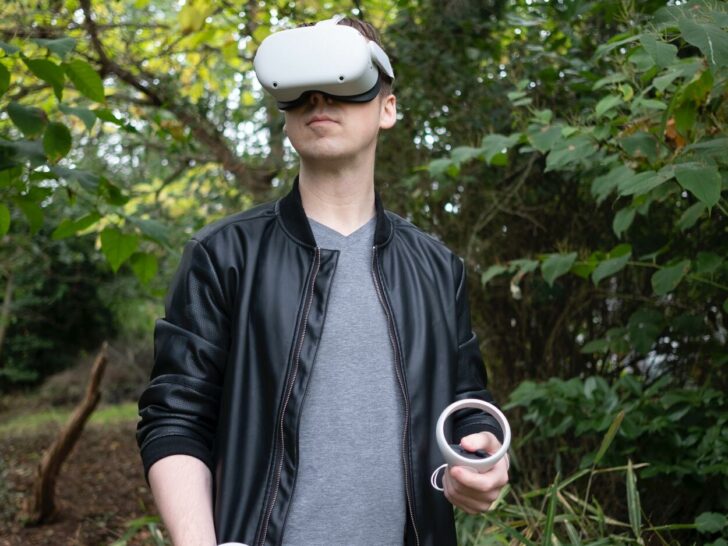

The Oculus Quest 2 Elite Strap with Battery is a convenient accessory for extended gameplay, but it may encounter charging issues. If the device isn’t charging, there are several potential solutions to try.
If your Oculus Quest 2 Elite Strap battery isn’t charging, try simple fixes like checking connections, using a strong power source, turning off the headset, and updating firmware. If those fail, a different cable, a factory reset, or contacting Oculus Support for warranty or repairs might be necessary.
It’s important to note that the Elite Strap with Battery may encounter charging issues due to various reasons, and the solution may depend on the specific cause of the problem. In this blog post, we’ll provide a brief overview of the Oculus Quest 2 Elite Strap with Battery and then dive into troubleshooting steps you can try to resolve the issue.
By continuing to use this website you agree to our Terms of Use. If you don't agree to our Terms, you are not allowed to continue using this website.
Overview of the Oculus Quest 2 Elite Strap


If you’re looking for the peak of virtual reality gaming, then you’ll want to check out the Oculus Quest 2 Elite Strap with Battery. The Oculus Quest 2 is a powerful standalone headset that includes sensors, controllers, and a unique fabric elite strap.
It promises improved ergonomics for a better gaming experience and long-lasting comfort during extended play sessions. However, if you find that your Oculus Quest 2 Elite Strap with Battery won’t charge, then it’s time to take action.
Identifying the Problem With Battery Not Charging
If your Oculus Quest 2 Elite Strap with Battery isn’t charging, you may need to identify the problem first before attempting a fix. It’s possible that the battery might be defective or needs to be replaced, or it could be something else entirely.
To narrow down potential causes of the malfunction, try this checklist:
- Check if the power cord is securely plugged into a power source.
- Check if the wall adapter is properly plugged into the power cord and in working order.
- Check if the USB-C cable has any wear-and-tear that may stop it from conducting electricity.
- Check if the port insertions on both ends of the USB-C cable are clean and dust-free.
- Ensure that all connections are attached firmly and securely.
By isolating potential causes one by one, you’ll be more likely to identify what exactly is causing your Oculus Quest 2 Elite Strap with battery to not charge properly so that you can take corrective action accordingly.
| Problem | Oculus Quest 2 Elite Strap with Battery not charging |
|---|---|
| Solution | Try checking the connection, seating, and restarting the device |
| Steps | 1. Check the connection between the strap and the headset 2. Ensure the device is properly seated in the charging dock 3. Restart the device |
| Further Assistance | Contact Oculus support for further assistance if the problem persists |
| Note | The Elite Strap with Battery may encounter charging issues due to various reasons, and the solution may depend on the specific cause of the problem. These steps provide a helpful starting point for troubleshooting common charging issues with the device. |
Troubleshooting Your Battery/Charger Issues
If your Oculus Quest 2 Elite Strap With Battery is not charging properly, there can be a few different reasons. Here are a few troubleshooting tips that can help you get your battery charged up and running again:
Check the Wall Outlet
First, make sure that you are using a working and compatible wall outlet.
If the outlet isn’t working, your Oculus Quest 2 Elite Strap With Battery won’t charge.
Check Your Cable
Next, make sure that the cable you are using to charge your battery is compatible and in good condition.
If the charging cable is damaged, it could be preventing the transfer of power from the wall outlet to your battery.


Clean the Charging Port
Dust and debris can accumulate in many places around any device, especially your battery charging port. Make sure to gently wipe out this port with a soft cloth to ensure that it remains clean and clear for proper charging.
Finally, if you’ve tried all of these steps and your Oculus Quest 2 Elite Strap With Battery still isn’t charging properly, don’t hesitate to contact customer service for assistance. They will be more than happy to provide further guidance and help you get your battery back up and running again!
Quick Fixes for Battery Not Charging on Quest 2 Elite Strap
If your Oculus Quest 2 Elite Strap With Battery is not charging, there are a few quick fixes that can help you get it working again. These include:
Check Your Connection
The first step is to simply check your connection. Make sure the adapter is securely connected to both your device and the wall outlet, and that all cords are securely connected to the headset.
For wireless charging, make sure the charging dock is connected to a working power source and that the Quest 2 Elite Strap With Battery is properly placed in the dock.
Check the Battery Life
Checking your battery life can also help you determine if there may be an issue with your battery itself.
On the Oculus App, go to Devices > Your Headset > More Settings and check how much battery life is left. If it’s at 0%, try charging again with a different power source before troubleshooting further.
Try Factory Resetting
If none of these quick fixes work, try factory resetting your Oculus headset by going to Settings > Device > Factory Reset on the app.
Once this step is completed, try charging again. If it still doesn’t work, it may be time for a replacement battery or charge cable for the Quest 2 Elite Strap With Battery.
Updating or Replacing Your Oculus Rift S Setup
When it comes to Oculus Rift S, keeping your setup up-to-date is key. If you’re experiencing issues with your Oculus Quest 2 Elite Strap With Battery Not Charging, there are several steps you can take.
Check Your Cable Connections
The first thing to do is to make sure all the cables are securely connected. Unplug and re-plug them in to ensure a solid connection.
It’s also possible that the USB cable you’re using needs to be replaced—it’s recommended that you try a different cable if possible.
Update Your Software
Make sure that your Oculus Rift S software is up-to-date by going into the System Menu, then navigating to Updates.
If there are any updates available, they should download and be installed automatically.
Reset the Headset
If neither of these solves the issue, then it may be necessary to reset the headset. To do this, go into the Oculus App on your phone and select ‘Device Settings’.
From here, you can select ‘Reset Headset’, ‘Factory Reset’, or ‘Reformat Storage’. Each of these will reset various parts of your headset, so make sure you know which one you want before proceeding.
Fun Fact: When using Oculus Quest, you do not need any PC, console or sensors. Everything is built-in the VR headset.
Additional Tips for Resolving Charging Issues
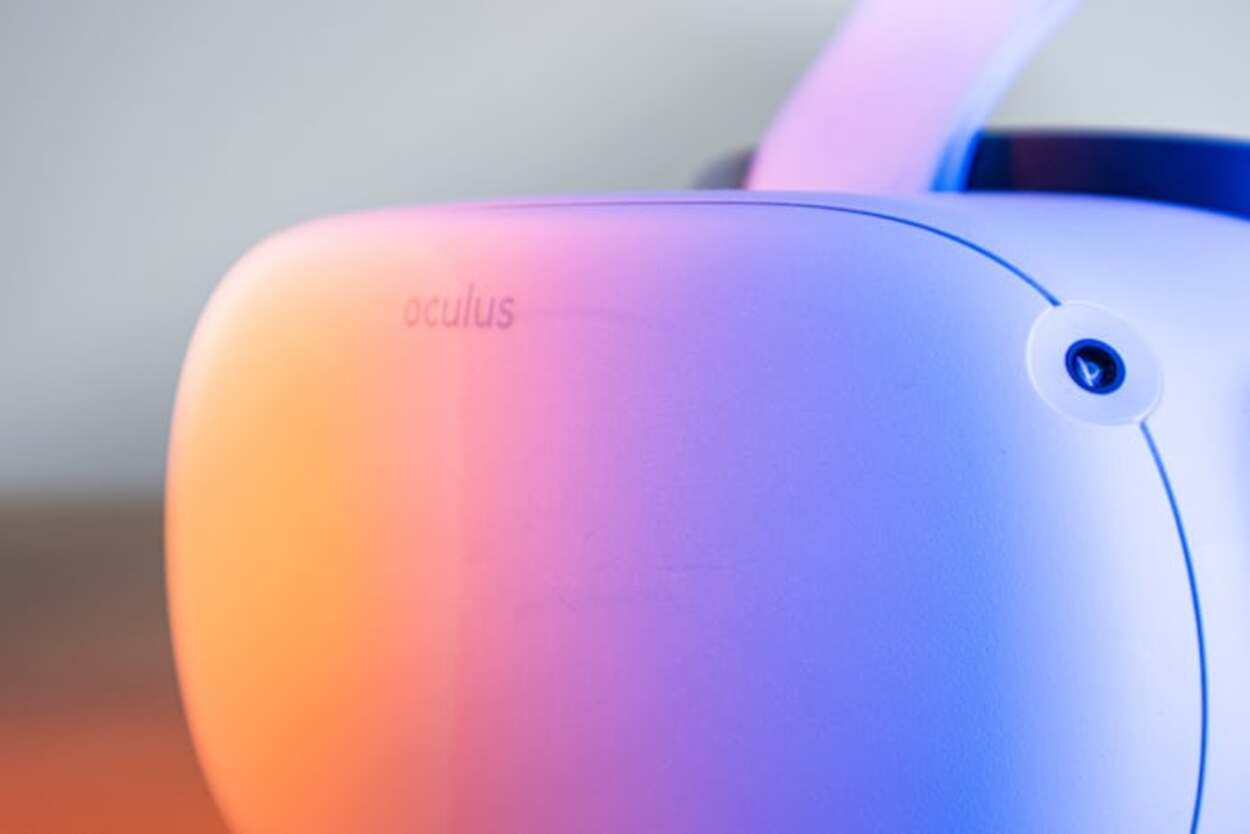
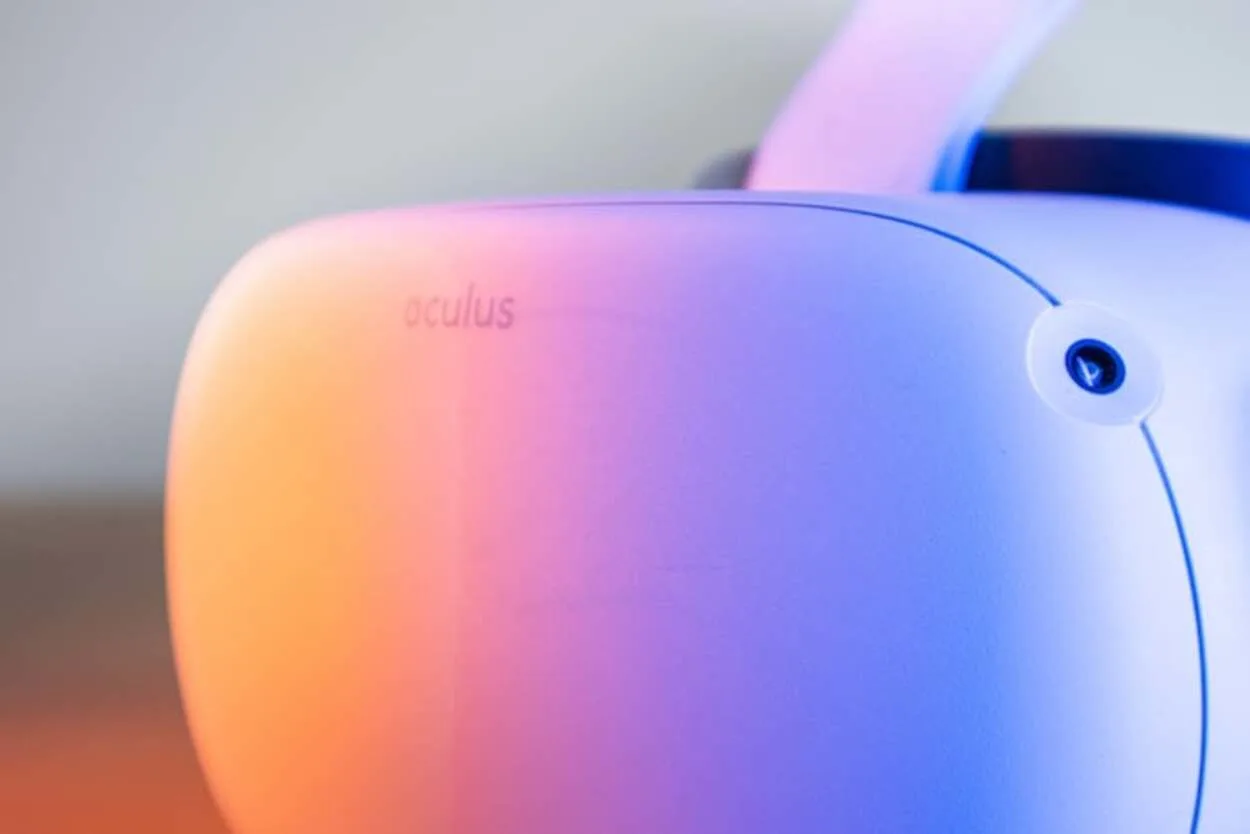
If you’re still having trouble charging your Oculus Quest 2 Elite Strap with battery, there are several additional tips that may help.
Ensure the Charger Is Securely Plugged In
It’s important to make sure that the charger is properly connected to the power source and that it hasn’t become loose or unplugged.
Try unplugging it and plugging it back in a few times to ensure a solid connection.
Check the Cable Connection
Check that the cable connection between the Elite Strap and your PC or laptop is secure.
Make sure that no dust or debris is blocking the connection ports on either end of the cable. You can also try using a different USB cable if you have one available.
Update Your Firmware
Make sure your Oculus Quest 2 Elite Strap firmware is up-to-date.
You can do this by going to Settings > Devices & Accessories from within Oculus Home on your computer or laptop, then select “Elite Strap with Battery Charge” from the list of devices and click “Update” if an update is available.
Consider Purchasing a Replacement Charger
If none of these options seems to help, you may need to purchase an official replacement charger for your Oculus Quest 2 Elite Strap with Battery Charge unit.
This is available directly from Oculus’s website, ensuring you get an authentic and reliable charger for your device.
FAQs
How Long Does it Take to Fully Charge the Oculus Quest 2 Elite Strap With Battery?
Charging time for the Oculus Quest 2 Elite Strap with Battery can vary depending on several factors, but generally takes between 1 and 2 hours.
Here’s what affects the charging speed:
- Initial charge: The first time you charge the strap, it might take slightly longer for the battery to reach full capacity.
- Battery level: Charging from completely drained to 100% will take longer than topping up a partially charged strap.
- Power source: Using a higher-power adapter (2A or more) will charge the battery faster than a lower-power one.
While exact times can vary, most users report charging the Elite Strap with Battery fully within an hour and a half, making it a convenient way to extend your VR playtime.
What Should I Do if the Elite Strap With Battery Isn’t Charging at All?
If the Elite Strap with Battery isn’t charging at all, try checking the connection between the strap and the headset, ensuring that the device is properly seated in the charging dock, and restarting the device.
If these steps don’t resolve the issue, contact Oculus support for further assistance.
Can I Use a Third-party Charging Cable to Charge the Elite Strap With a Battery?
Yes, technically, you can charge your Oculus Quest 2 Elite Strap with a Battery using a third-party charging cord, but there are some restrictions.
Here’s why:
- The Elite Strap charges via a common USB-C connector. Thus, any USB-C cable ought to be able to physically fit into and attach to the strap.
- But not every USB-C cable is made equally. It’s possible that some won’t be able to supply the minimum 2A of power needed to charge the Elite Strap effectively. This can cause the battery to degrade or possibly cause delayed charging.
- Furthermore, certain third-party cables might not have the required certification or might have manufacturing flaws. These wires could be dangerous because they could heat up too much or perhaps damage your VR headset or Elite Strap electrically.
Conclusion
- The Oculus Quest 2 Elite Strap with Battery is a convenient accessory for extended gameplay, but it may encounter charging issues.
- If the device isn’t charging, there are several potential solutions to try. Users can check the connection between the strap and the headset, ensure that the device is properly seated in the charging dock, and restart the device.
- If these steps don’t resolve the issue, users may need to contact Oculus support for further assistance.
- It’s important to note that the Elite Strap with Battery may encounter charging issues due to various reasons, and the solution may depend on the specific cause of the problem.
- However, by following these steps, users can troubleshoot and resolve common charging issues with the Oculus Quest 2 Elite Strap with Battery.