
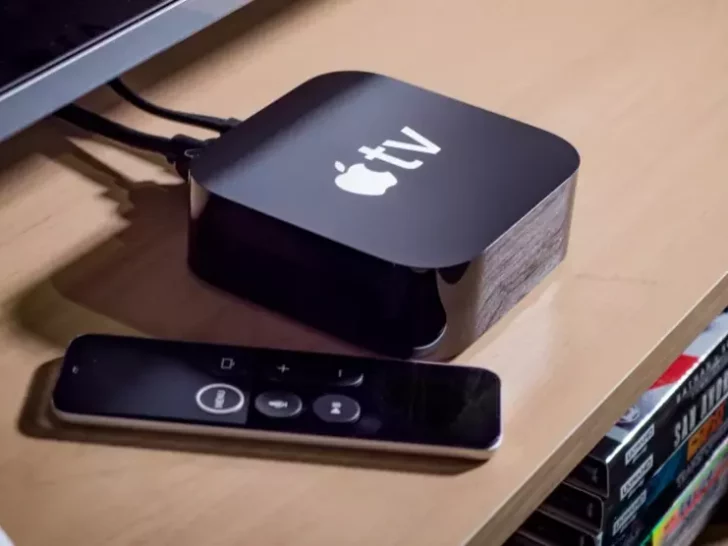
The million-dollar question, however, is whether or not an Apple TV can be used with a smart TV.
To give you a glimpse of this article, here’s a table:
| Is Apple TV compatible with all smart TVs? | Any smart TV can connect to an Apple TV set-top box through the TV’s HDMI connector. However, not all smart TVs come with Apple TV software, which is required to use the Airplay feature on smart TVs. |
| What about Apple TVs on Samsung TVs? | The following Samsung models are compatible with Apple TV: All QLED 8K versions (Q9, Q8) and 2019–2022. All QLED 4K Q9, Q8, Q7, and Qx models Every UHD 8, 7, 6, and 2 222 model additionally, AirPlay is compatible with all Samsung QLED 8K, 4K Q7, Q8 and Q9, UHD 6, 7, and 8, FHD/HD series, Serif, and the Frame models. |
| What about Apple TV on Roku TVs? | The following Roku models are compatible with the Apple app and are available with Apple TV: 4K TV A000X 8000X, C000X, and TV 7000X 3930X and 3900X Express 3910X, 3931X Express+ HD 3932X Stick 3600X, Stick 3800X Stick+ 3810X, 3811X Streaming |
| Does LG TV support Apple TV? | LG’s 2019 smart TV models that are compatible with the Apple TV app have been introduced by Apple. Apple stated that the following LG TVs would support AirPlay to reflect your Apple TV apps: the 2020 UN 8 series in UHD, and the SM85 series in HDTV format. |
| How about Apple TV on Vizio TVs? | Vizio Smart TV models support AirPlay, allowing you to experience Apple TV on them. According to Apple’s website, Vizio isn’t listed among the gadgets that will support the Apple TV app. Sony and Vizio are listed as compatible Apple TV-compatible devices. |
Now, if you want to learn more, then keep on reading.
By continuing to use this website you agree to our Terms of Use. If you don't agree to our Terms, you are not allowed to continue using this website.
How do a Smart TV and an Apple TV differ from one another?
Any TV that connects to the Internet to retrieve and stream material from numerous sources is referred to as a “smart TV” in this context. smart TVs have the Apple TV app or where you can enjoy the Airplay feature of smart TVs.
What about Apple TVs on Samsung TVs?
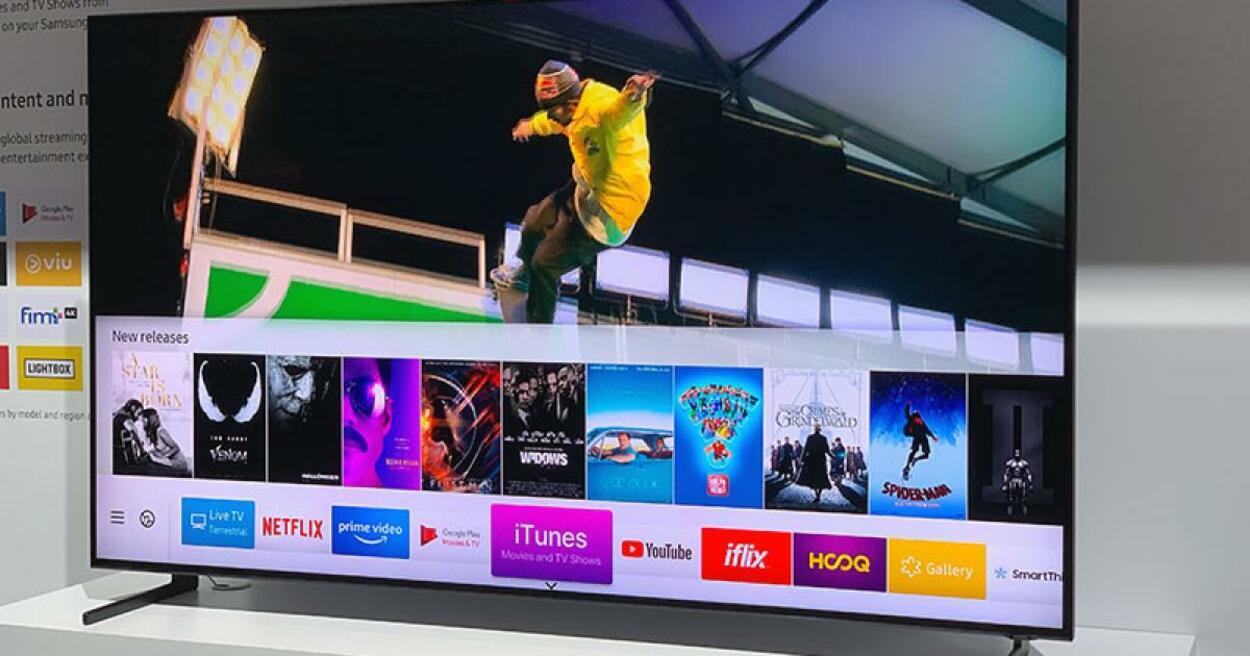
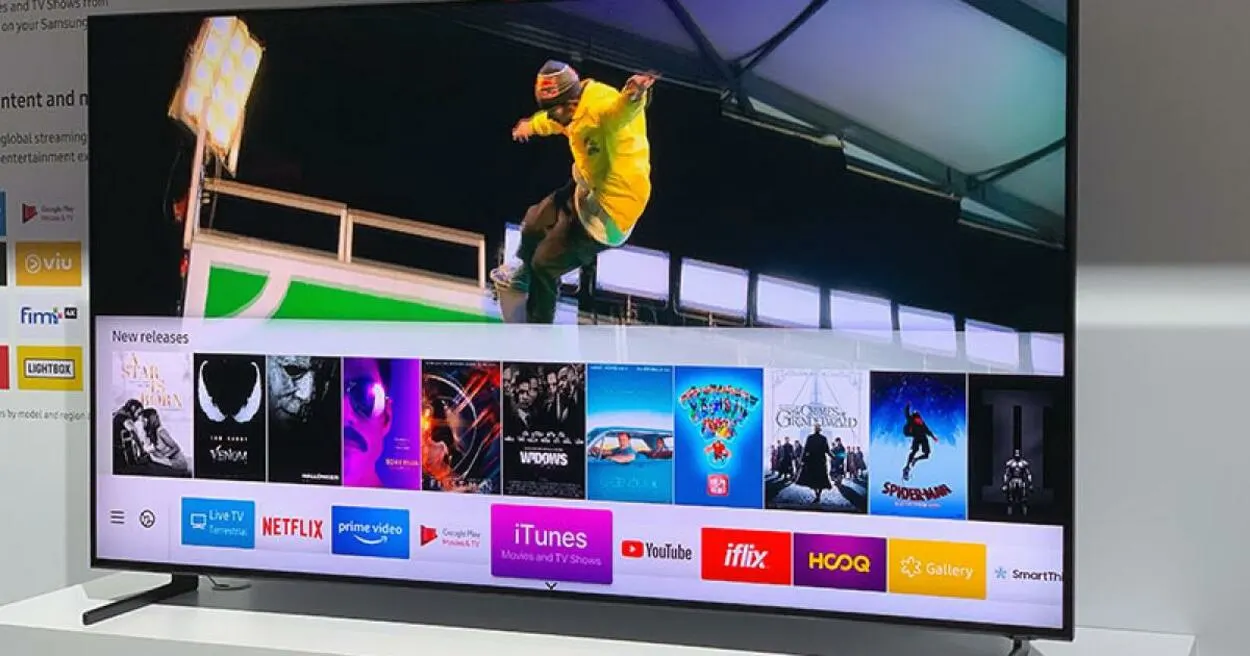
According to Apple, the following Samsung models are compatible with Apple TV:
- All QLED 8K versions (Q9, Q8) and 2019–2022.
- All QLED 4K Q9, Q8, Q7, and Qx models between 2018 and 2222
- Every UHD 8, 7, 6, and 2 222 model
- Every FHD/HD5, 4, and model from 2018 to 2222
- From 2019 through 2222, all serif series
- The Frame model for the years 2018 through 2222
- Sero Series: 2019 through 2222
Additionally, AirPlay is compatible with all Samsung QLED 8K, 4K Q7, Q8 and Q9, UHD 6, 7, and 8, FHD/HD series, Serif, and the Frame models.
What about Apple TV on Roku TVs?
The following Roku models are compatible with the Apple app and are available with Apple TV:
- 4K TV A000X
- 8000X, C000X, and TV 7000X
- 3930X and 3900X Express
- 3910X, 3931X Express+
- HD 3932X
- Stick 3600X, Stick 3800X
- Stick+ 3810X, 3811X Streaming
- 4620X, 3920X, and
- 2921X, 3921X, 4630X
- 4640X, 4660X, 4661X, and 4670X Ultra
- LT Ultra 4662X
- 4210X, 4205X Roku 2
- 4200X and 4230X Roku 3
Does LG TV support Apple TV?
LG’s 2019 smart TV models that are compatible with the Apple TV app have been introduced by Apple.
The 2019 OLED, 2019 NanoCell SM9X series, all 2019 NanoCell SM85 series, and all 2019 NanoCell SM83 models are among them.
Additionally, Apple stated that the following LG TVs would support AirPlay to reflect your Apple TV app:
- 2020 UN 8 series in UHD
- UN 71 series in UHD
- 6 and 7 series of UM
Take note that the LG smart TV models previously mentioned are also AirPlay compatible.
How about Apple TV on Vizio TVs?


Vizio isn’t listed among the gadgets that will support the Apple TV app, according to the page listing compatible Apple TV devices.
Vizio and Sony will, however, be among the Apple TV-compatible gadgets, according to Apple.
In the interim, the following Vizio Smart TV models support AirPlay, allowing you to experience Apple TV on them:
- OLED Vizio (2020 models)
- X-Series P-Series (2019 – 2022 models)
- Quantum P-Series (2018- 2022 models)
- P‑Series (2016 – 2022 models)
- Quantum M-Series (2019 – 2022 models)
- M‑Series (2016, 2017, and 2018 models)
- E‑Series (2016, 2017, and 2018 UHD models)
- V‑Series (2019- 2022 models)
- D‑Series (2018 and 2019 models)
What Is AirPlay?
AirPlay is a wireless technology developed by Apple that allows users to stream audio and video content from an Apple device to an Apple TV or other compatible devices, such as a speaker or receiver.
With AirPlay, you can wirelessly transmit audio or video from your iPhone, iPad, or Mac to your TV or speakers, making it easy to enjoy your content on a larger screen or through a better sound system.
If your smart TV supports AirPlay, you can look it up in the instructions.
Turn Your Phone into Apple TV with Airplay 2
You can mirror everything from your iPhones and iPads onto your TV with a smart TV that supports Airplay 2. The Apple TV box is no longer necessary because all the functions mentioned above can now be directly mirrored from your iPhone to your TV.
Given that Airplay 2 is available for the Apple TV or Apple TV 4K boxes, this is just another superfluous function. The smart home hub would be the lone exception. However, you have a lot of control over your smart home setup from your iPhone.
Apple made sure to cover all the bases, even when the bases cover one another, to achieve whatever goal they had in mind. It resembles peering into a mirror while facing a second mirror.
What Sets the Apple TV Box Apart from the Apple TV App?
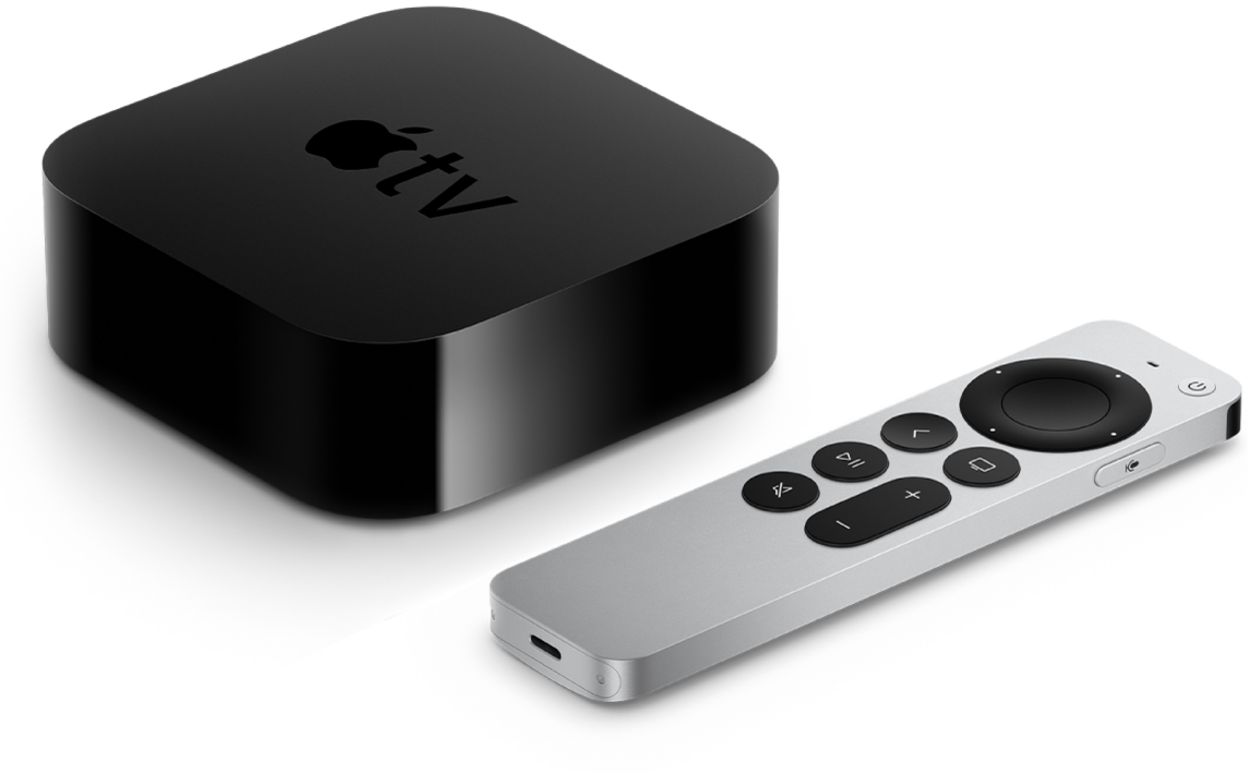
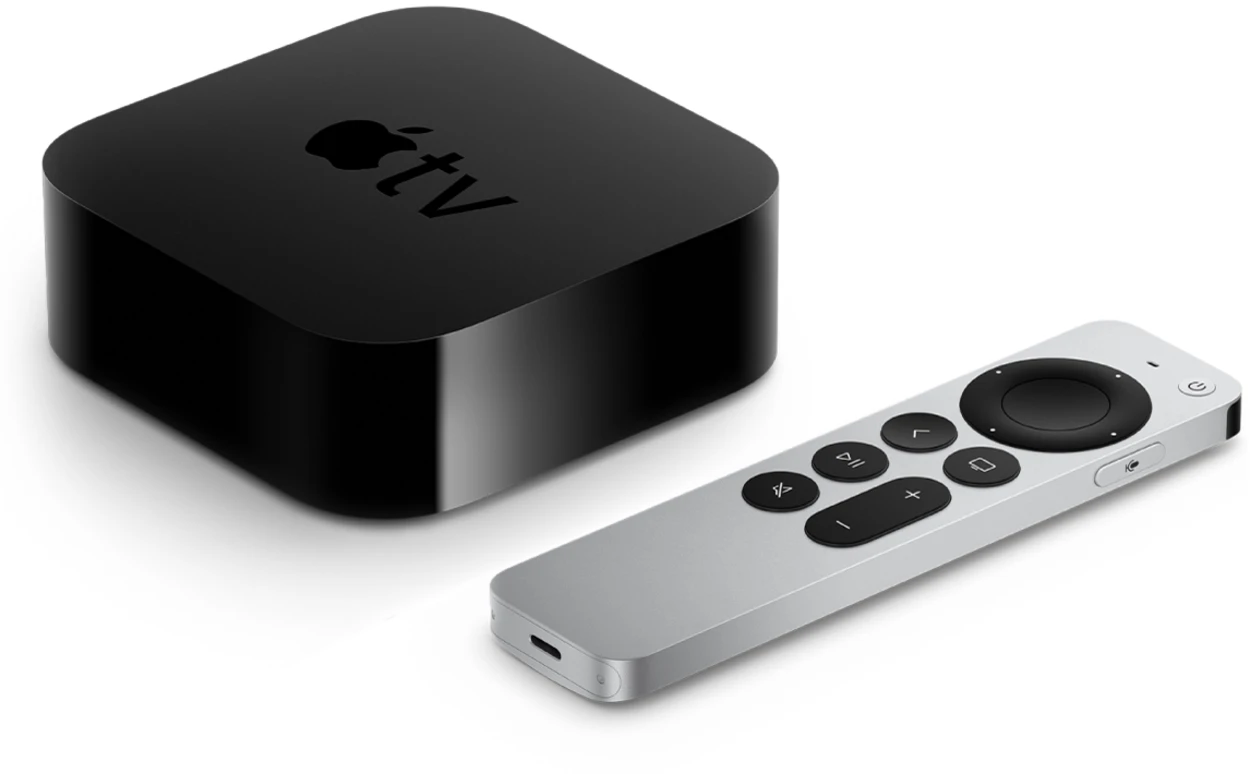
The Apple TV box is a physical device that connects to your TV via HDMI, and it provides access to a wide range of streaming services, such as Netflix, Amazon Prime Video, and Hulu, as well as Apple’s own content, including movies, TV shows, and music. The device also supports AirPlay, allowing you to stream content from your Apple devices to your TV, and it can be used to play games and access other apps, such as fitness and meditation apps.
On the other hand, the Apple TV app is a software application that can be downloaded and used on various Apple devices, such as iPhones, iPads, and Apple TVs. The app allows users to access and watch movies, TV shows, and other content that they have purchased or rented from the iTunes Store. It also provides access to various streaming services, including Apple TV+, as well as personalized recommendations and curated content.
While both the Apple TV box and the Apple TV app offer access to a range of content, the Apple TV box is a physical device that provides a more comprehensive streaming experience, while the Apple TV app is a software application that can be used on various Apple devices. Ultimately, the choice between the two depends on your specific needs and preferences.
How does Apple TV+ work?
Apple TV+ is a streaming service that offers only Apple-produced original content. Through the Apple TV app or another compatible device, you can access this service.
You can use this service whenever you want for about five bucks each month. Additionally, whenever you purchase an Apple TV set-top box, you can receive a year of free access.
Apple TV+ is similar to Netflix but only streams Apple’s content that Apple produces.
Frequently Asked Questions (FAQs)
1. Do smart TVs come with Apple TV pre-installed?
Answer: On a limited number of Samsung Smart TVs, Lifestyle TVs, QLED 4K, and 8K TVs, the Premiere projector, and the Freestyle from the years 2018, 2019, 2020, 2021, and 2022, the Apple TV app is accessible.
2. Where can I find free Apple TV?
Answer: After July 1, 2021, eligible devices will be eligible for offers of 3 months of free Apple TV+, while those activated before June 30, 2021, will be eligible for offers of 1 year of free Apple TV+. Offer, and Apple One cannot be paired.
3. What can Apple TV 4K do?
Answer: Apple TV 4K gives you complete control over all of your HomeKit gadgets. The most recent movies, vacation photos, music, and even 4K HDR films from your iPhone or iPad may all be sent to your Apple TV 4K in their original resolution using AirPlay.
Conclusion
- What’s the verdict, then? Should you choose a Samsung Smart TV or an Apple TV? In actuality, each choice has advantages and disadvantages. It all boils down to your personal choice.
- A Samsung Smart TV is a complete unit. It offers endless streaming, television, and all the apps you desire. The drawbacks? They can be fairly expensive, have dubious support, and have questionable user privacy procedures, which may put off some individuals from purchasing them.
- Apple TV, what about it? It essentially broadens the capabilities of your Smart TV. It has quicker load times, greater visual quality, and a practical interface. It is also reasonably priced. But to operate it, you do need a smart TV.