
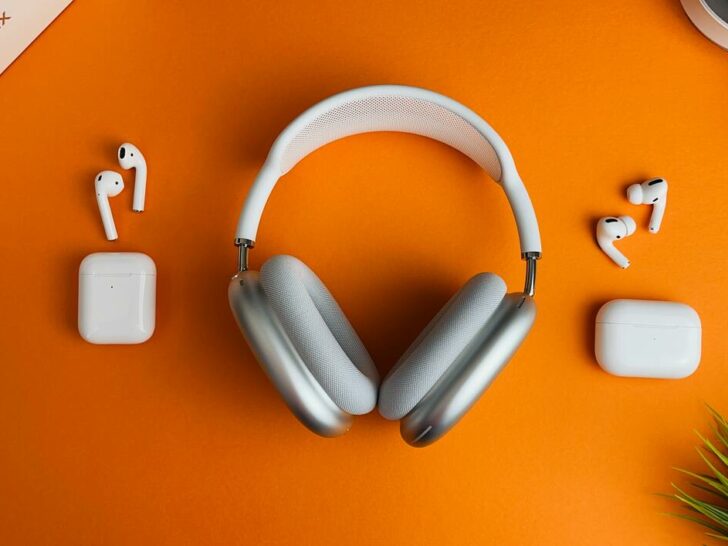
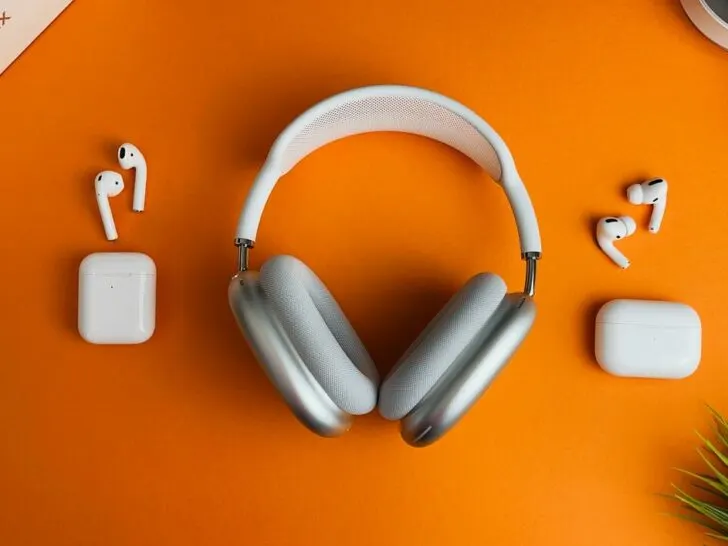
Short answer: It is not possible to use both AirPods and wired headphones simultaneously with your iPhone or Android smartphone because these devices are designed to transmit audio output through a single mode.
AirPods and wired headphones, on the other hand, use distinct modes to receive audio signals.
Keep reading to explore the reason and solutions in detail.
| Alternatives for using multiple audio forces | Explanation |
|---|---|
| Bluetooth Splitters | Bluetooth splitters allow you to connect multiple Bluetooth devices to a single audio source. They are relatively easy to set up and use, and can even adjust the volume and mix different audio sources. However, Bluetooth splitters may not deliver the same quality of sound as wired connections, and there may be a slight delay or latency. |
| Audio Mixers | Audio mixers are more professional and versatile options that allow you to mix and play multiple audio sources through a single output. They often include built-in effects and controls for each source, giving you more flexibility in creating your desired sound. However, audio mixers can be more complex to set up and can be expensive. |
| Audio Switchers | Audio switchers are a more affordable and straightforward option. They allow you to connect multiple audio sources to a single output and easily switch between them. However, unlike audio mixers, they usually don’t offer any mixing or effects capabilities. |
| Virtual Audio Cable | A virtual audio cable is a software solution that allows you to route audio between different programs or devices on your computer. It essentially creates a virtual audio cable that allows you to connect different audio sources. This option is usually free, but it can be more complex to set up and may require some technical knowledge. |
By continuing to use this website you agree to our Terms of Use. If you don't agree to our Terms, you are not allowed to continue using this website.
AirPods And Wired Headphones – How They Work
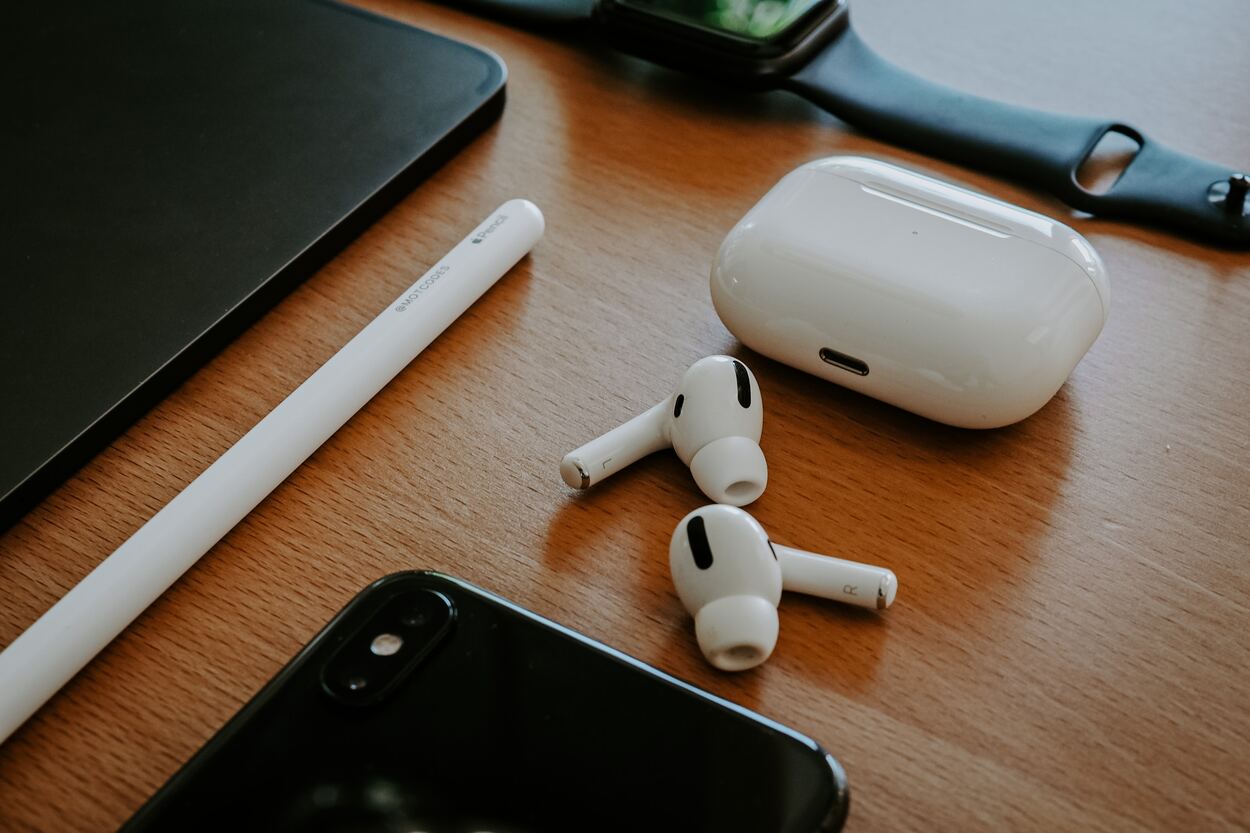
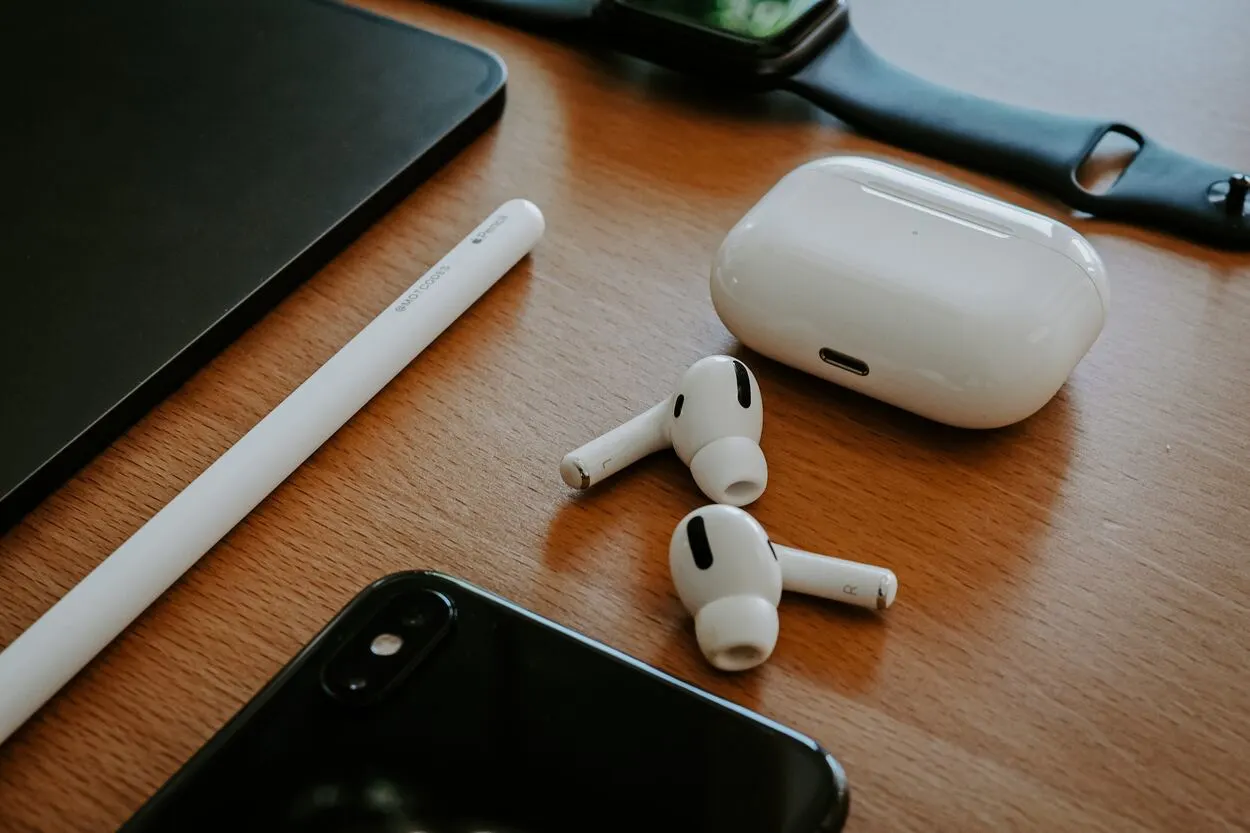
AirPods are wireless earbuds that use Bluetooth technology to connect to devices. They have a built-in rechargeable battery and can be charged using a charging case.
AirPods connect to devices automatically when they are removed from the charging case and placed in the ears. They also have touch controls that allow users to play and pause audio, skip tracks, and activate Siri.
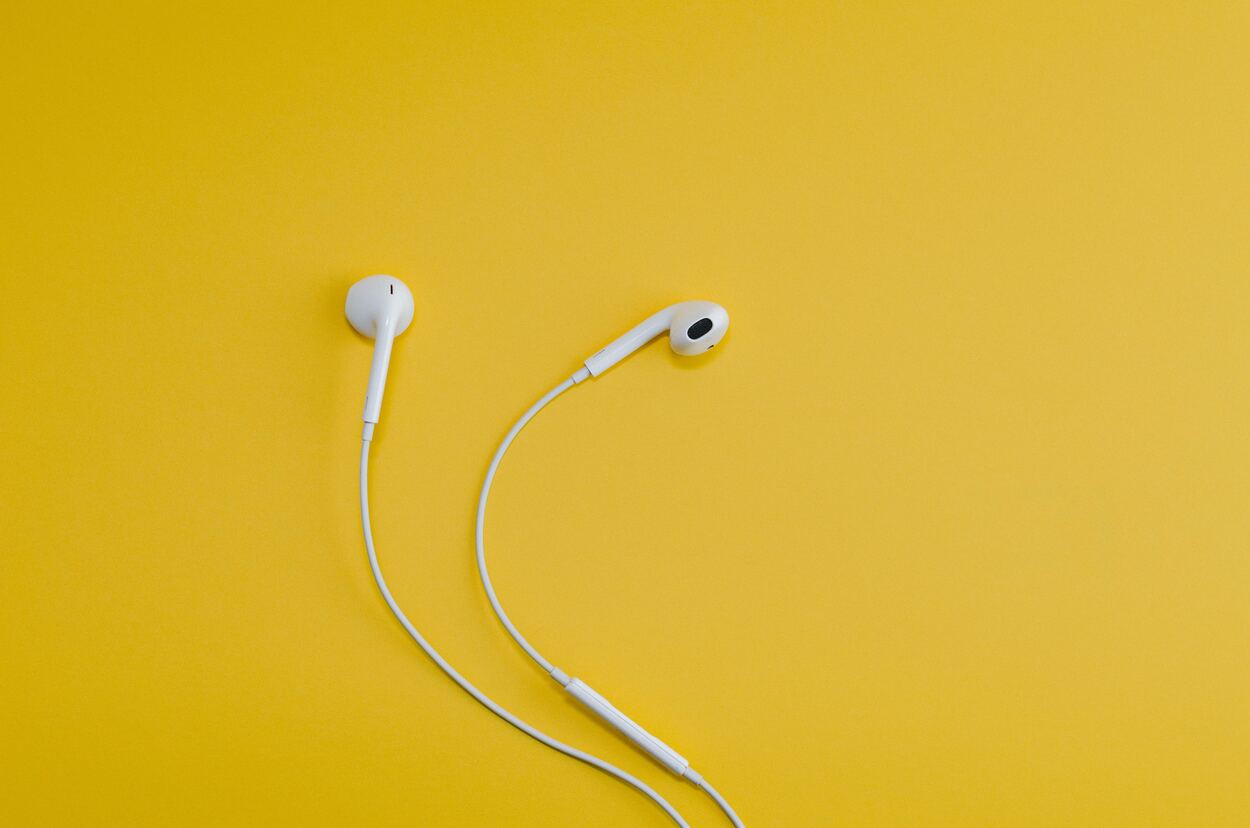
Wired headphones, on the other hand, connect to devices using a physical wire or cable. They have a 3.5mm audio jack that plugs into the device’s headphone jack.
Some wired headphones may also use a lightning connector or USB-C connector to connect to devices. Wired headphones do not require charging and can be used as long as they are connected to the device.
Both AirPods and wired headphones deliver audio through their speakers or drivers. The quality and characteristics of the audio can vary depending on the quality of the speakers and drivers, as well as the audio format and quality of the audio source.
When is it possible to use Wired Headphones and AirPods simultaneously?
It is not possible to use AirPods and wired headphones at the same time on the same device because most devices have only one audio output port.
When a wired headphone is connected to the device’s audio output port, the device’s audio output is automatically redirected to the wired headphone. As a result, the audio will not be played through the AirPods even if they are connected to the device.
However, there are potential workarounds for using both AirPods and wired headphones simultaneously on different devices.
For example, some audio sources, such as televisions or audio mixers, may have multiple audio outputs that allow for multiple audio devices to be connected simultaneously. In this case, the AirPods and wired headphones can be connected to different audio outputs on the device.
Frequently Asked Questions (FAQs)
Q. Can you have Bluetooth and Wired Headphones at the same time?
Next to your device, tap Settings. Use Multipoint. First, connect your headphones to both of the audio source devices that you wish to use. Then, confirm that the headphones are successfully connected by checking the Bluetooth settings on each audio source device.
Q. Why Wired Headphones are better than AirPods?
Despite the hassle of dealing with tangled cables, wired earbuds and headphones are a more advantageous investment in the long run. They are not only less expensive but also offer superior sound quality and are less susceptible to loss or theft. Additionally, they do not need to be charged, and, of course, they allow you to keep up with the latest trends.
Q. How do you use Wired and Wireless Headphones at the same time?
Turn on Multipoint
- On your Android device, tap Settings. Connected devices.
- Next to your device, tap Settings.
- Tap Multipoint. Use Multipoint.
- To connect your headphones to two audio source devices, first, pair them with both devices. Then, verify that the headphones are successfully connected by checking the Bluetooth settings on each audio source device.
Conclusion
- We’ve learned that it’s not possible to use AirPods and wired headphones at the same time on the same device due to technical limitations. However, there are alternative options for using multiple audio sources at once, including Bluetooth splitters, audio mixers, audio switchers, and virtual audio cables. Each option has its own pros and cons, so it’s important to consider your specific needs and preferences when choosing the best option for you.
- It’s important to note that this limitation applies to most devices and is not specific to AirPods or wired headphones. While it may be disappointing for some users, it’s important to recognize that technological limitations are a reality for our devices and to explore alternative options for using multiple audio sources at once. Ultimately, it’s up to us to adapt and find creative solutions that work best for our needs.
- In summary, if you want to listen to multiple audio sources simultaneously, explore the alternatives mentioned above, which offer a range of features and prices. Whether you’re a music enthusiast, a professional sound engineer, or just someone who loves to multitask, there is an option out there that will meet your needs. So, don’t be afraid to experiment and find the solution that works best for you!