
Some of the most cutting-edge televisions in the market right now are LG OLED models. They include various features, from amazing images to immersive sound, that enhance your watching experience.
Many new users share a common query, whether or not one may record on an LG OLED TV. After all, everybody wants to rewatch their favorite TV programs as a recording on their TVs.
If you want to record a TV program on your LG OLED TV, open ‘Live TV’ and navigate through the recording option. Stop the record button and view the recording later.
This post will examine the LG OLED TVs’ recording features and explain everything you need to know.
By continuing to use this website you agree to our Terms of Use. If you don't agree to our Terms, you are not allowed to continue using this website.
What is the LG OLED TV

LG OLED TV is a type of television that uses Organic Light light-emitting diode (OLED) technology to produce images.
Generally, OLED TVs have individual pixels that emit light when an electric current is applied, allowing for a wide range of colors, deep blacks, and high contrast ratios.
LG is a leading manufacturer of OLED TVs, with models available in variable sizes and price ranges.
LG OLED TVs are known for their excellent picture quality, sleek design, and smart TV capabilities. They are often preferred by consumers who prioritize picture quality and are willing to invest in premium television.
Guidelines for recording on an LG OLED TV
The quick answer is yes if you’re wondering if you can record on an LG OLED TV. However, you should be aware of certain restrictions and prerequisites.
You must first have a USB device compatible with your LG OLED TV to record on it, such as a flash drive or an external hard disc. This device should have enough storage to keep your recordings and be formatted to function with your TV.
Second, a built-in digital tuner is a need for your LG OLED TV. This is required to receive and record TV broadcasts. Most contemporary LG OLED TVs feature a built-in digital tuner. However, older models may not, so verify the specs.
And last, to record TV, you must have a working TV signal. You will thus require an antenna or a cable connection that sends a strong signal to your TV. You may need to connect your TV to the cable box or satellite receiver if you’re using one to record content.
How to record a TV program on an LG OLED TV?

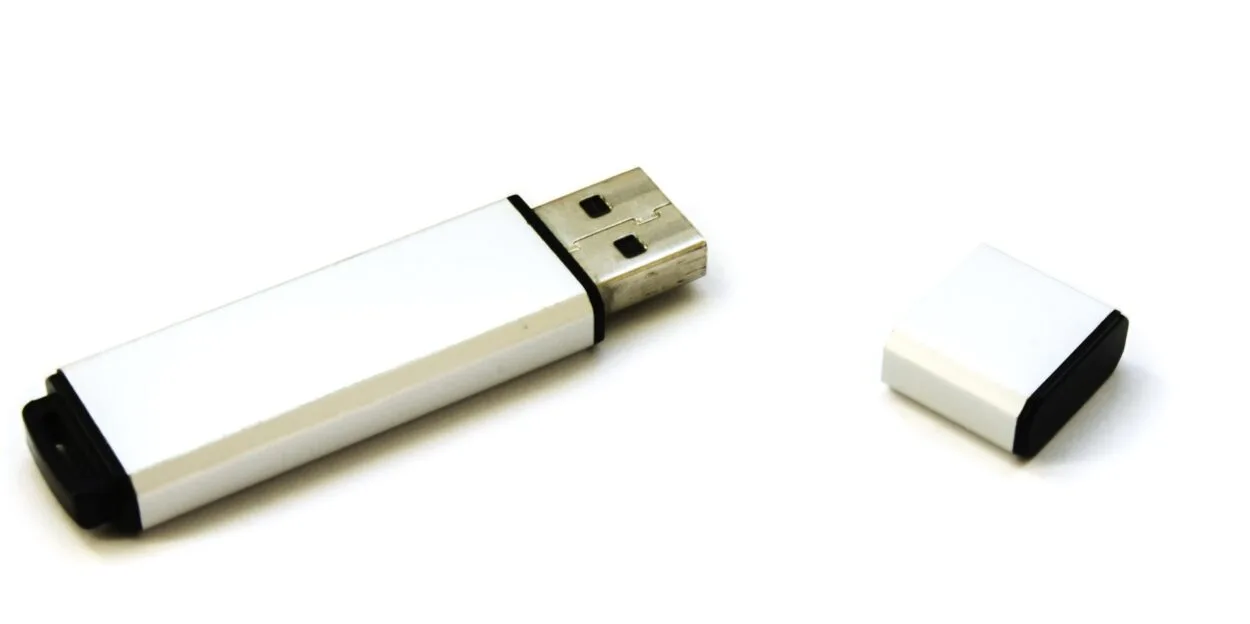
Recording your LG OLED TV is straightforward after you’ve put all the required hardware and connections in place.
The fundamental actions you must take are listed below:
| STEP1: Inserting the USB device | On your LG OLED TV, place your USB device in the relevant USB port. |
| STEP2:Format the USB device | Place your USB device on your LG OLED TV in the relevant USB port. |
| STEP3:Configure the recording. | You must format your USB device if it isn’t set up to function with your LG OLED TV. Select the option to format the USB device in the TV’s settings menu. |
| STEP4:Start the recording | Once the recording is ready, start it and let it run until it is finished. |
| STEP5:Access the recording | You may access the recording by navigating to the USB device and choosing the recording file when it has finished. |
Recording restrictions on LG OLED TVs
While it is possible to record on an LG OLED TV, there are certain restrictions that you need to be aware of.
- You cannot record one channel while viewing another, which is one restriction. As a result, you must be viewing the channel you wish to record.
- Another restriction is that not all channels may be recordable. Certain channels can have copy protection that inhibits recordings.
- Additionally, if the signal is encrypted and you use a cable box or satellite receiver, you may be unable to record all channels.
The convenience of recording on your LG OLED TV may not be as great as recording on a dedicated DVR, to finish.
You can quickly set up, manage, and retrieve your recordings anytime with a DVR. You must manually set up each recording on an LG OLED TV and access them via the USB device for the future.
Different ways to record on an LG OLED TV


There are options to consider if you believe that recording on your LG OLED TV is too constrained or cumbersome.
- Using a special DVR, or digital video recorder, is one method. These tools make it easier for you to capture and organize your recordings,
- An external hard disc or USB device may also be used to record content on an LG OLED TV.
- Using an external storage device connected to the TV’s USB ports, you may record TV programs and movies.
However, it’s crucial to keep in mind that not all external drives may be compatible with the TV, so before buying an external storage device for recording purposes, it’s vital to examine the TV’s specs and suggestions.
By pressing the “Record” button on the remote control once the external storage device has been attached, viewers may utilize the TV to record content.
This will provide a menu where you may choose to record the currently playing program, schedule a future recording, or manage already recorded material.
To ensure they never miss an episode, viewers may also set up the TV to automatically record their favorite programs or a whole series.
It is important to know that there can be limits and limitations on what can be recorded on an LG OLED TV.
For instance, it is unlawful and subject to legal repercussions to record copyrighted material without authorization.
It’s also vital to read the terms and conditions of any subscription services or streaming platforms used with the TV since certain content providers may forbid recording their programs.


LG TV Facts and Insights
- LG offers many TV models, from budget-friendly options to high-end OLED TVs with exceptional picture quality.
- LG TVs are known for innovative features, such as the ThinQ AI platform for voice control, smart home integration, and Dolby Atmos sound technology.
- LG TVs are compatible with all major HDR formats, including HDR10, HLG, and Dolby Vision.
- LG faced some criticism regarding their webOS smart TV platform’s learning curve. However, recent updates have improved its user-friendliness.
FAQs
Q: Is there a built-in recording function on LG OLED TVs?
A: No, LG OLED TVs do not have a built-in recording function.
Q: Can all external hard drives be used to record on an LG OLED TV?
A: No, not all external hard drives may be compatible with the TV. It is important to check the TV’s specifications and recommendations before purchasing an external storage device for recording purposes.
Q: Is recording copyrighted content without permission legal?
A: No, recording copyrighted content without permission is illegal and can result in legal action against you.
Q: Are there any legal restrictions on recording content on an LG OLED TV?
A: Yes, some content providers may prohibit the recording of their programs, so it is important to review the terms and conditions of any subscription services or streaming platforms used with the TV.
Conclusion
- The bottom line is that although LG OLED TVs have an integrated recording feature, you may still record material by using an external DVR or by attaching an external storage device to the TV’s USB ports.
- It’s crucial to check that any external hard drives being used for recording are compatible with the TV and to carefully read the terms and conditions of any streaming services or subscription services being used for recording.
- Remember that it is unlawful and subject to legal consequences to record copyrighted information without authorization.
- The ability to record content for viewing on an LG OLED TV may be a practical method to take in and revisit favorite shows with the right setup and observance of legal requirements.