
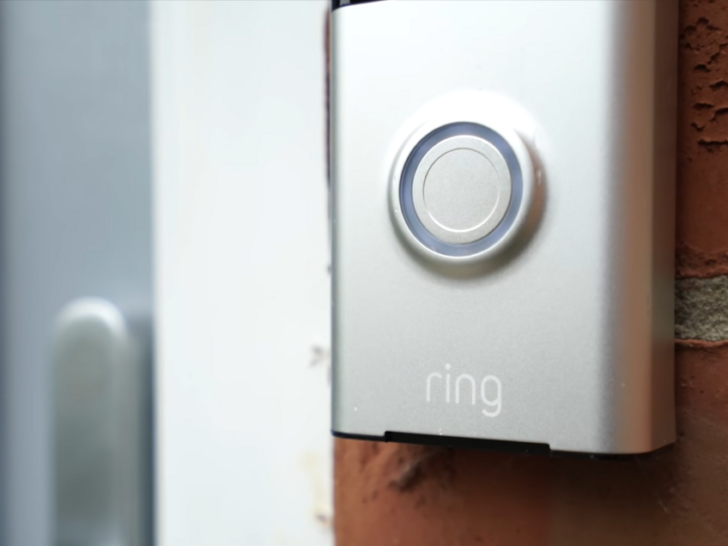
In detail, to make the Ring Doorbell ring inside the house you can buy a Ring Chime or Ring Chime Pro, which delivers you real-time notifications from anywhere in your house and connects to your doorbell using Wi-Fi.
If users already have a doorbell, they can remove their doorbell and attach the mounting bracket, which comes with their Ring Doorbell, in the previous doorbell’s place
In this article, I’ll discuss the steps on how you can make your Ring Doorbell ring inside your house. So, keep reading to find out!
| Does the Ring doorbell ring inside by default? | The battery-powered Ring Doorbell cannot ring inside the house, but the wired Ring Doorbell can because they’re both connected to the same doorbell network. |
| Identify the Power Source for Your Doorbell | If you want to know if you need a chime, you must find out how your doorbell is powered. |
| Purchase a Ring Chime or a Ring Chime Pro | It plugs directly into a wall outlet and connects to your home Wi-Fi to alert you whenever your Ring doorbell is pressed. |
| Integrate the Wired Ring with the Current Chime | To integrate the wired Ring with the current chime, follow the series of steps provided in the article. |
| The Advantages of Using a Ring Chime | 1. You can use as many as you want. 2. You can customize the Doorbell system. 3. You can activate a “Do Not Disturb” mode during those late hours at night. 4. It also functions as a Wi-Fi extender. |
| Alternatives to the Ring Chime | 1. Google Home or Echo. 2. Buy an external Wi-Fi extension. |
By continuing to use this website you agree to our Terms of Use. If you don't agree to our Terms, you are not allowed to continue using this website.
Does the Ring doorbell ring inside by default?
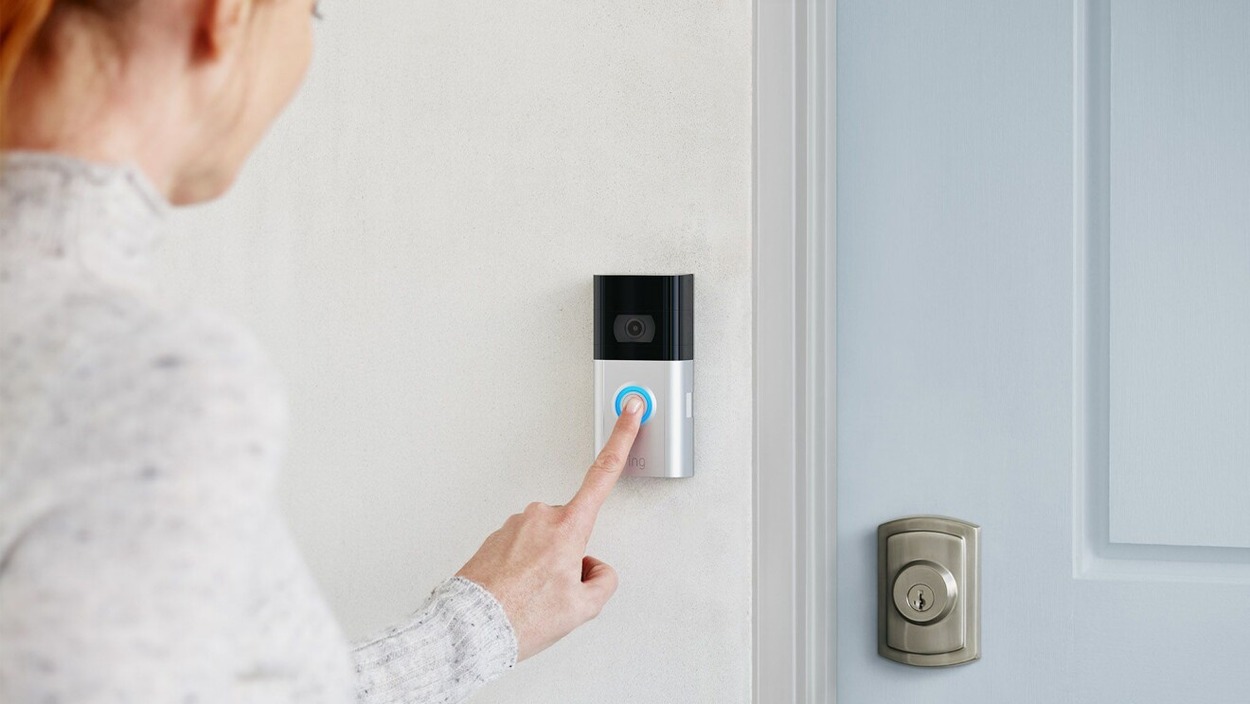
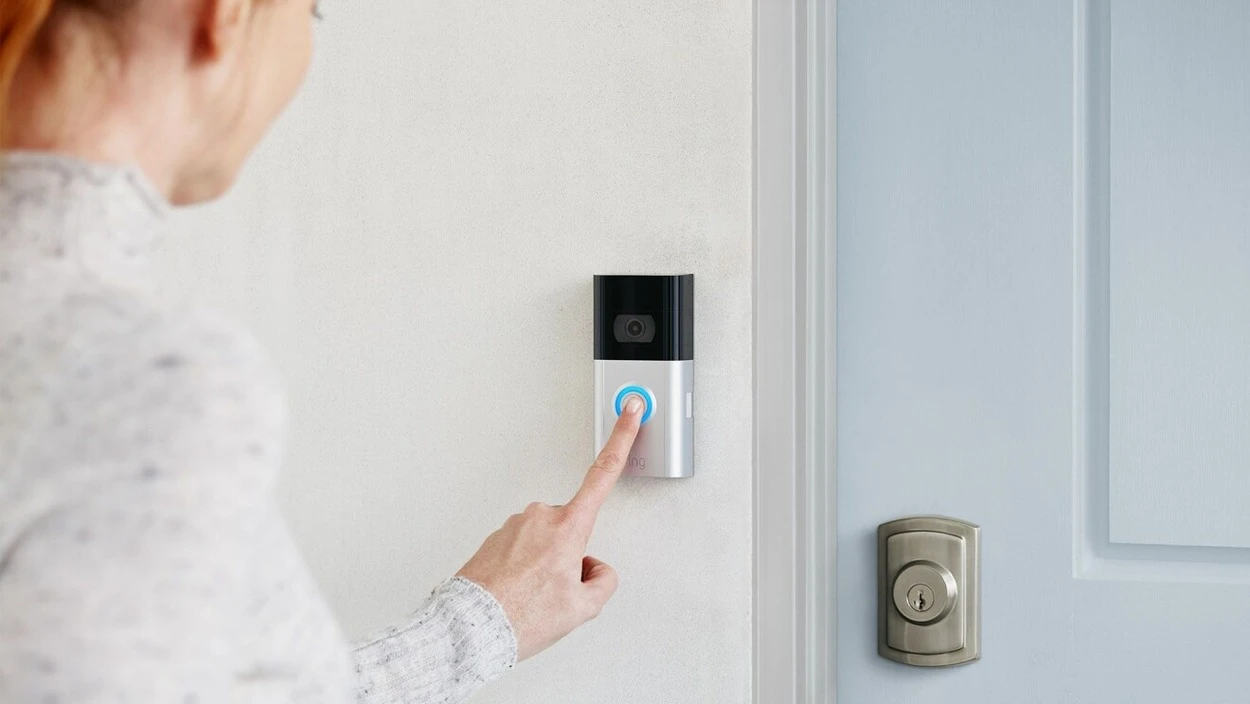
The wired Ring Doorbell can ring inside the home, but the battery-powered model cannot because it’s connected to the existing doorbell network. However, this doesn’t imply that a battery-operated doorbell cannot chime indoors.
You can get the doorbell to ring inside the house using a Ring Chime or Chime Pro. It establishes a Wi-Fi connection with your doorbell and chimes when someone rings the doorbell in addition to sending you real-time notifications.


Image Credit : Reddit
Install the Chime in a space where you spend a lot of time, such as your living room or home office. You may even buy several Ring Chimes and place them around the house.
Identify the Power Source for Your Doorbell
There are several ways to determine how your Ring Doorbell is powered:
- Look for wiring: If your Ring Doorbell is hardwired, there should be wiring leading to the device. Look for wires leading to the back of the doorbell or to the chime box inside your home.
- Check the battery: If your Ring Doorbell is battery-powered, you can check the battery level through the Ring app on your smartphone or tablet. The app will show you the current battery level and give you an estimate of how long the battery will last.
- Look for a power source: If you are not sure how your Ring Doorbell is powered, you can check for a power source on the device itself. Look for a battery compartment or a port for a power cord.
- Check the Ring app: The Ring app can also tell you how your doorbell is powered. Open the app and select your doorbell from the list of devices. The device settings page should show you the power source for your doorbell.
Purchase a Ring Chime vs. Ring Chime Pro
The Ring Chime is a simple and affordable accessory that plugs into any standard power outlet and connects to your Ring Doorbell or camera via Wi-Fi.
It allows you to hear doorbell alerts and motion alerts throughout your home and can be customized with different tones and volume levels. If you have a small home or apartment, the Ring Chime may be sufficient to cover your needs.
On the other hand, the Ring Chime Pro includes all the features of the Ring Chime but also includes a built-in Wi-Fi extender that can help boost the signal to your Ring devices.
This can be particularly useful if your Wi-Fi router is located far away from your Ring devices or if you have a large home with multiple floors. Additionally, the Ring Chime Pro has a slightly louder speaker and can play additional tones that the Ring Chime cannot.
If you have a larger home or if you have experienced connectivity issues with your Ring devices, the Ring Chime Pro may be a better option for you. However, if you have a smaller home or are looking for a more affordable option, the Ring Chime may be sufficient for your needs.
Ultimately, both the Ring Chime and Ring Chime Pro are useful accessories that can enhance the functionality of your Ring Doorbell or camera. Choose the one that best fits your needs and budget.
The Advantages of Using a Ring Chime

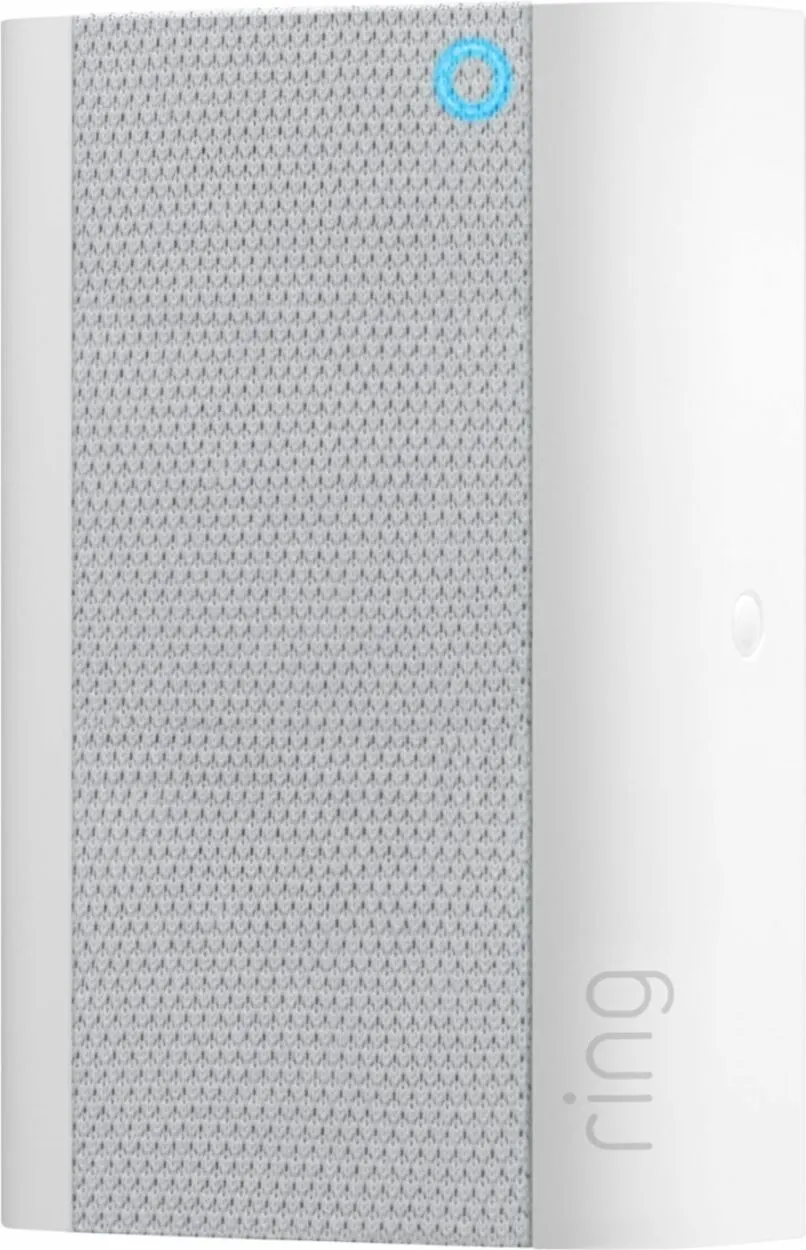
Using a Ring Chime with your Ring Doorbell or camera can provide several advantages. For starters, the Ring Chime allows you to hear doorbell alerts and motion alerts throughout your home, even if your smartphone is not nearby or on silent mode.
This can increase your awareness of what is happening outside your home and help you respond more quickly to visitors or potential security issues.
Also, the Ring Chime can be customized with different tones and volume levels, allowing you to choose the settings that work best for your home and your preferences. You can also choose different tones for doorbell alerts and motion alerts so you can easily distinguish between the two.
To top it all off, the Ring Chime is an affordable accessory that can enhance the functionality of your Ring Doorbell or camera. It is significantly less expensive than other smart home accessories like smart locks or security cameras, making it an accessible option for many homeowners.
Overall, the Ring Chime is a useful accessory that can provide several advantages when used with a Ring Doorbell or camera.
It can increase your awareness of what is happening outside your home, be customized to fit your preferences, and is an affordable and easy-to-install addition to your home security system.
Alternatives to the Ring Chime
Although a Ring Chime is a wonderful option for hearing your doorbell chime indoors, most systems have alternatives.
Google Home or Echo
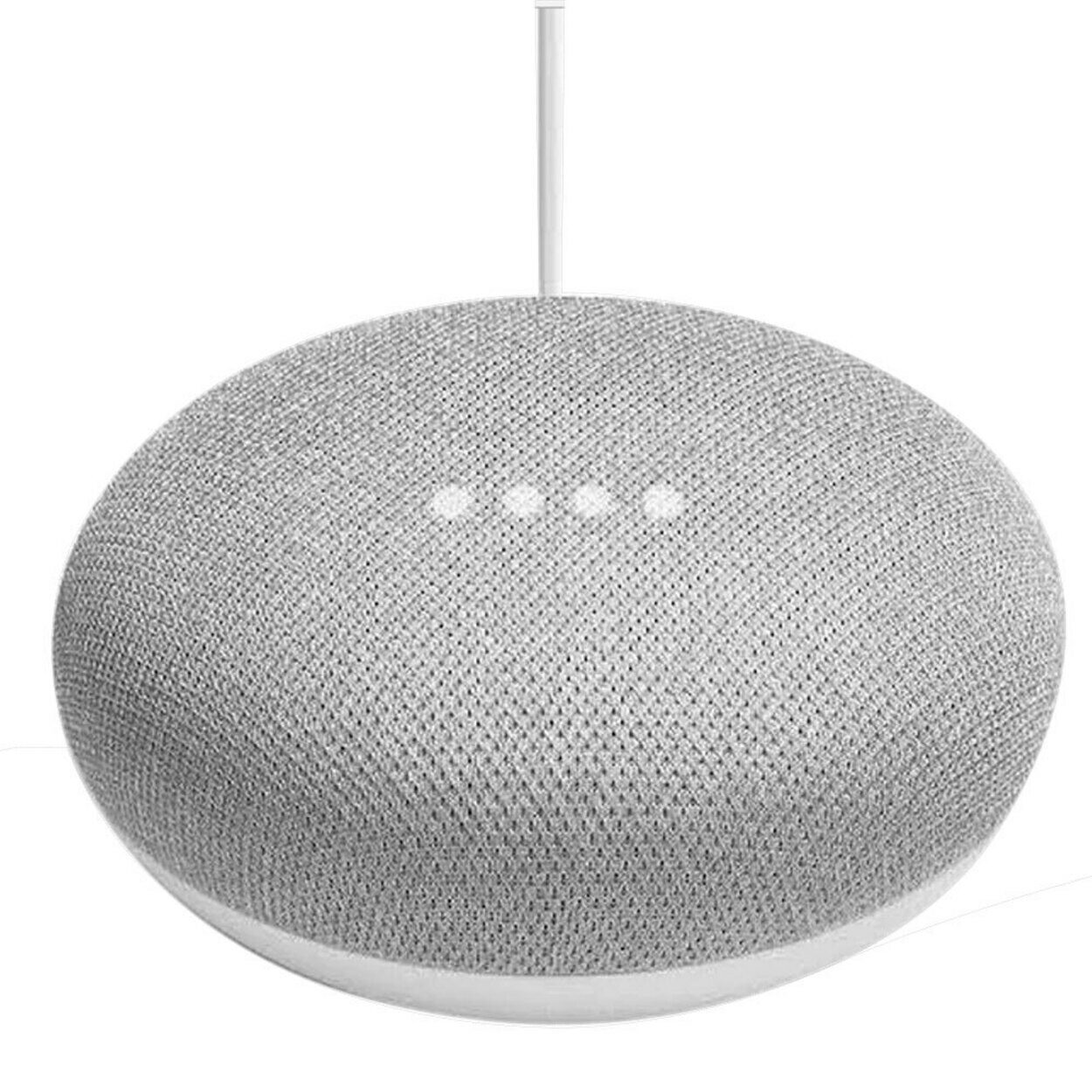
You may purchase an Echo Dot or a Google Nest Mini for the same price as a single Ring Sound, which you can use to set up to chime whenever your Ring doorbell is triggered.
A Google Home or an Echo smart speaker is capable of much more than just chiming. With Alexa and Google Assistant built-in, it may serve as a hub for intelligent automation and assist you with daily activities.
Buy an external Wi-Fi extension
The Ring Chime’s capacity to serve as a Wi-Fi extender is one of its key selling points. However, Ring does not make it clear that the extension only functions with Ring devices, so non-Ring security cameras or your laptop cannot benefit from it.
By purchasing a third-party Wi-Fi extender, you may use it for other things around the house, such as your phone, tablet, or non-Ring security system, in addition to extending the range of your Ring Doorbell.
The control you have over setting up and configuring this additional Wi-Fi is superior to what Ring currently offers through Chime.
Frequently Asked Questions
Why Does My Ring doorbell not Ring inside my house?
Answer: There’s an additional settings screen via the button marked “Device Settings”. From here, click on “General Settings”, and then “Doorbell Chime Type”. Make sure “Mechanical” is chosen in the drop-down menu, and that “Ring my in-home doorbell” is selected to on position (to the right).
Do ring doorbells listen all the time?
Answer: Most video doorbells don’t record audio continually. If you leave the Ring on the default setting, it starts recording audio and video simultaneously whenever its built-in motion detector is activated, and then continues for up to 2 minutes or until motion is no longer detected.
What’s the difference between Ring Chime and a doorbell?
Answer: Ring Chime is just the inside audible doorbell. The Ring Chime Pro is the doorbell plus the Wi-Fi range extender if you’re having trouble connecting to your network.
Conclusion
- The wired Ring Doorbell can ring within the house, but the battery-powered model cannot because it’s tied to the current doorbell network.
- To decide whether you need a chime, you must find out how your doorbell is powered.
- If you want to be notified anytime your Ring doorbell is pressed, you need to get a Ring Chime or a Ring Chime Pro, which plugs directly into a wall outlet and connects to your home Wi-Fi.
- Locate the doorbell chime to integrate the wired ring with the current chime.
- Using a ring chime has several benefits. You may configure the Doorbell system, use as many of them as you’d like, put it in “Do Not Disturb” mode at odd hours of the night, and it also serves as a Wi-Fi extender.
- Alternatives to the Ring Chime: you can use a Google Home or Echo or buy an external wi-fi extension.