


You can calibrate the Nest Thermostat. Doing so will ensure that your thermostat will give a much more accurate reading. The Nest Thermostat is an excellent option if you’re looking for an affordable thermostat that still works well.
If you need more help calibrating the Nest Thermostat, this article is for you!
By continuing to use this website you agree to our Terms of Use. If you don't agree to our Terms, you are not allowed to continue using this website.
What causes the calibration reading to be inaccurate?
The most typical reasons your Nest Thermostat won’t operate properly are listed below.
Dirty Thermostat
This may seem like a silly or apparent reason to mention, but it is critical to keep your thermostat clean and free of dirt and dust. Dust and dirt particles can accumulate on your thermostat sensors, causing them to read incorrectly.
Placed in a Sunlit Area
It’s typical for your Nest thermostat to read higher indoor temperatures if the sun is shining directly on it than if it were located in a less well-lit area of the house.
Wrong Location
Ensure your thermostat’s location is away from these heated walls and surfaces. Many believe placing their thermostats in the middle of their homes’ hallways will produce the most evenly distributed temperature readings.
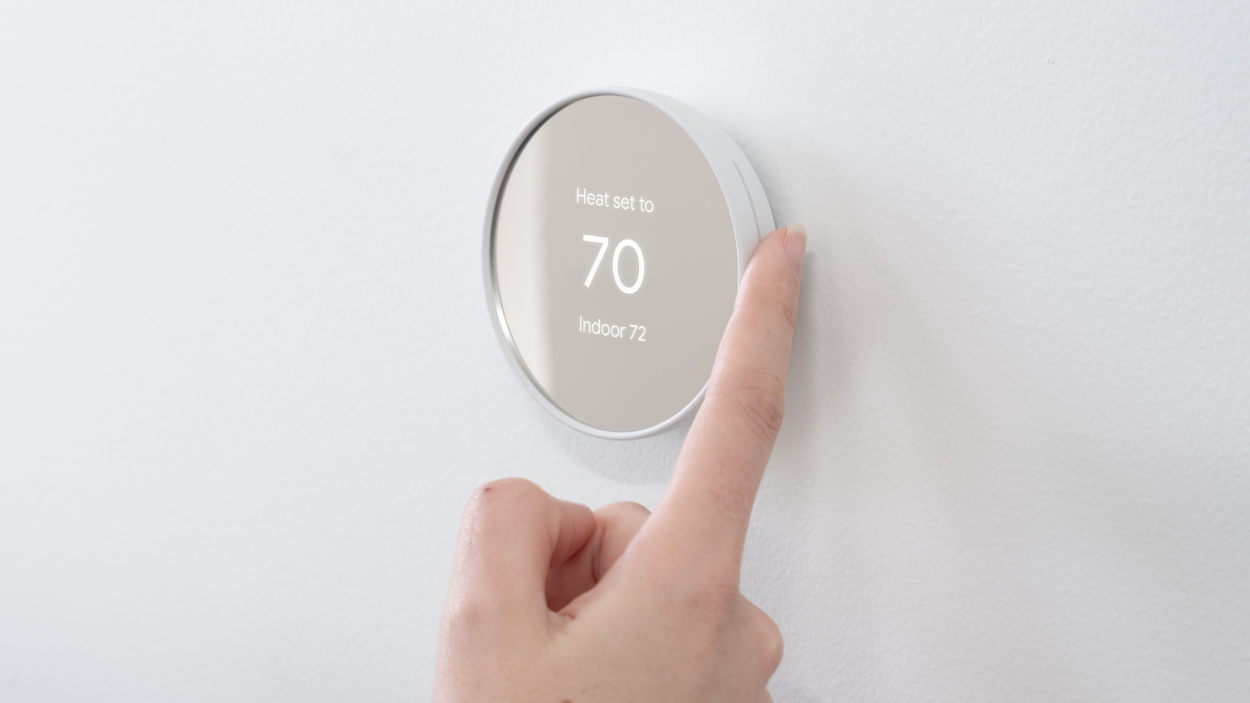
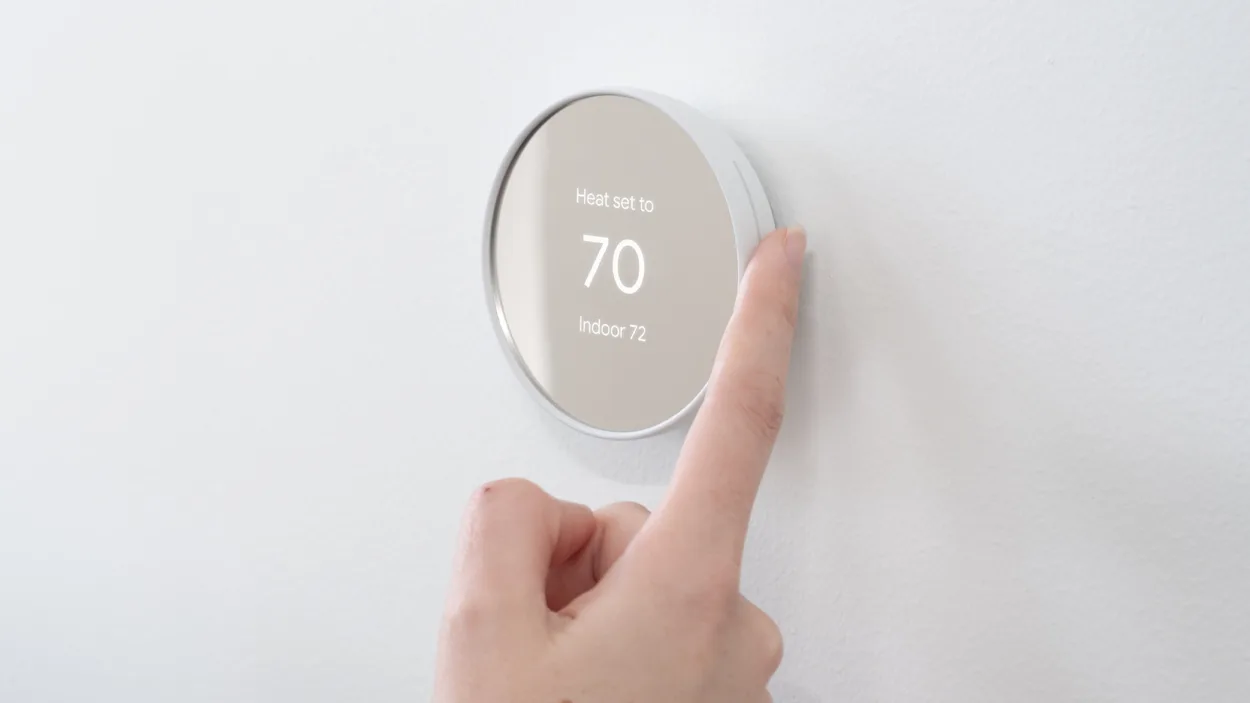
Best Way to Calibrate Nest Thermostat
Here are ways to calibrate the Nest Thermostat:
| 1. Check the accuracy of the thermostat. Get a thermometer and place it next to the thermostat. If the reading has a variance of 10 degrees Fahrenheit and below, your Nest Thermostat is calibrated. |
| 2. Restart the thermostat. Press the thermostat ring and wait for it to turn black. After restarting, compare the reading with your thermometer. If there is a vast discrepancy, try another way. |
| 3. Clean the thermostat. Remove the cover gently and clean each part. Use soft fabric and soft brushes. Be gentle! |
| 4. Adjust the calibration screw. This will reset the contacts and fix some settings that might prevent the thermostat from calibrating. |
| 5. Check the wiring connections. Use a cotton swab to remove dirt. Make sure calibration is successful before using the device. |
How do I know if my thermostat is calibrated correctly?
The best way to check if your thermostat is calibrated correctly is to use a thermometer.
Tape the thermometer or place it a few inches from the thermostat and allow it to take a reading. The thermostat is calibrated if the task has more than 1 degree Fahrenheit difference.
On the contrary, recalibration is highly suggested if there is a huge variance between the readings.
How to make sure my thermostat is accurate?
Go to the Google Home or Nest apps to check the temperature sensors connected to the thermostat. Manually check and compare the temperature reading between your temperature sensor and thermostat. Make sure that it’s appropriately turned on and free of dirt.
Frequently Asked Questions (FAQs)
Why does Nest claim it will take two or more hours to heat?
The Nest thermostat displays “In two hours,” indicating that adjusting the temperature will take two hours. This can be because the thermostat is still learning, the system just restarted, there was a software update, or the c-wire is not connected correctly.
How should you calibrate an AC thermostat?
You must find the screw in the system’s center in AC Thermostat. Use a screwdriver to open the contacts and close it back again using the screw after a few minutes. This is usually the case for an AC thermostat without the mercury flask.
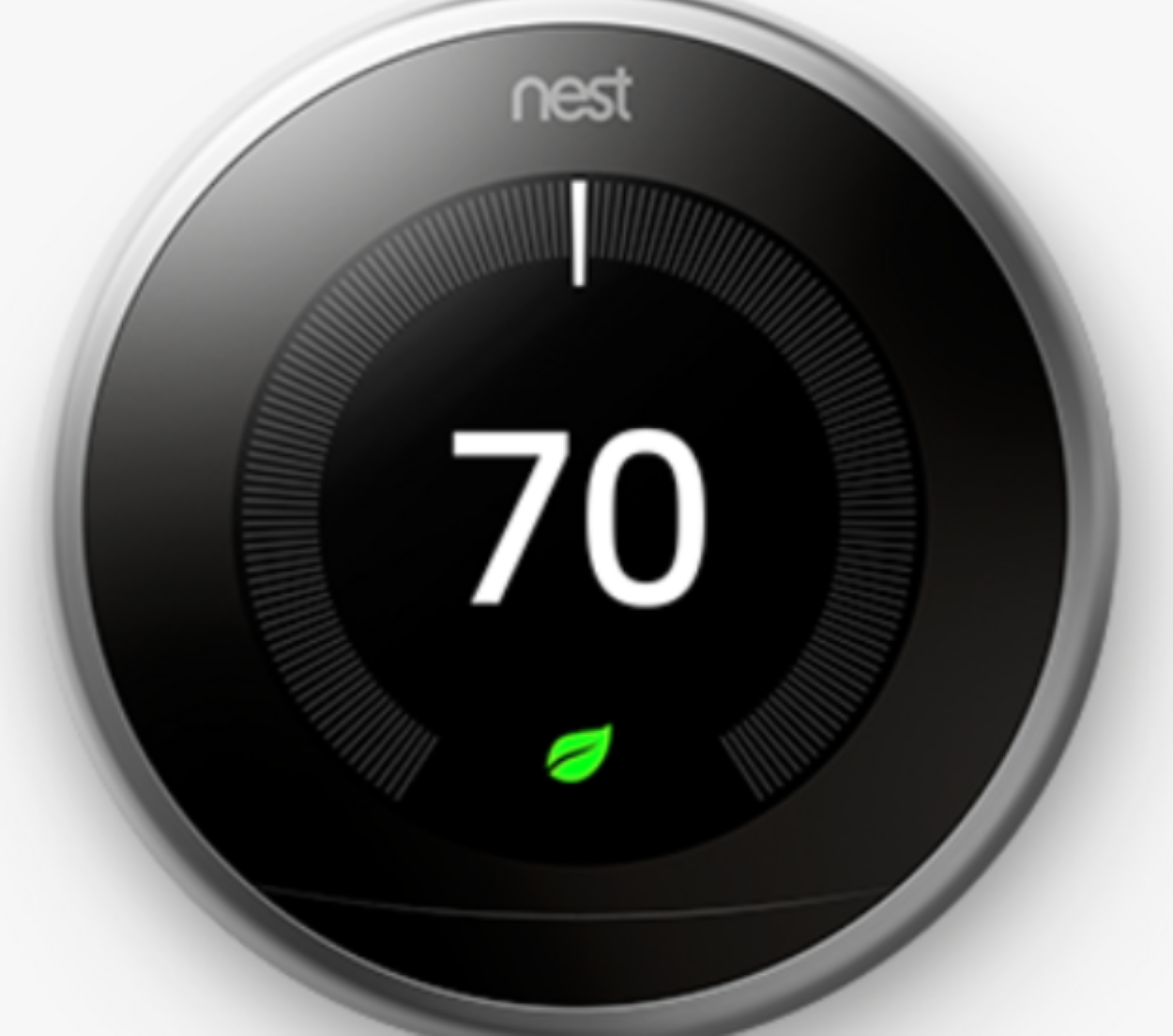
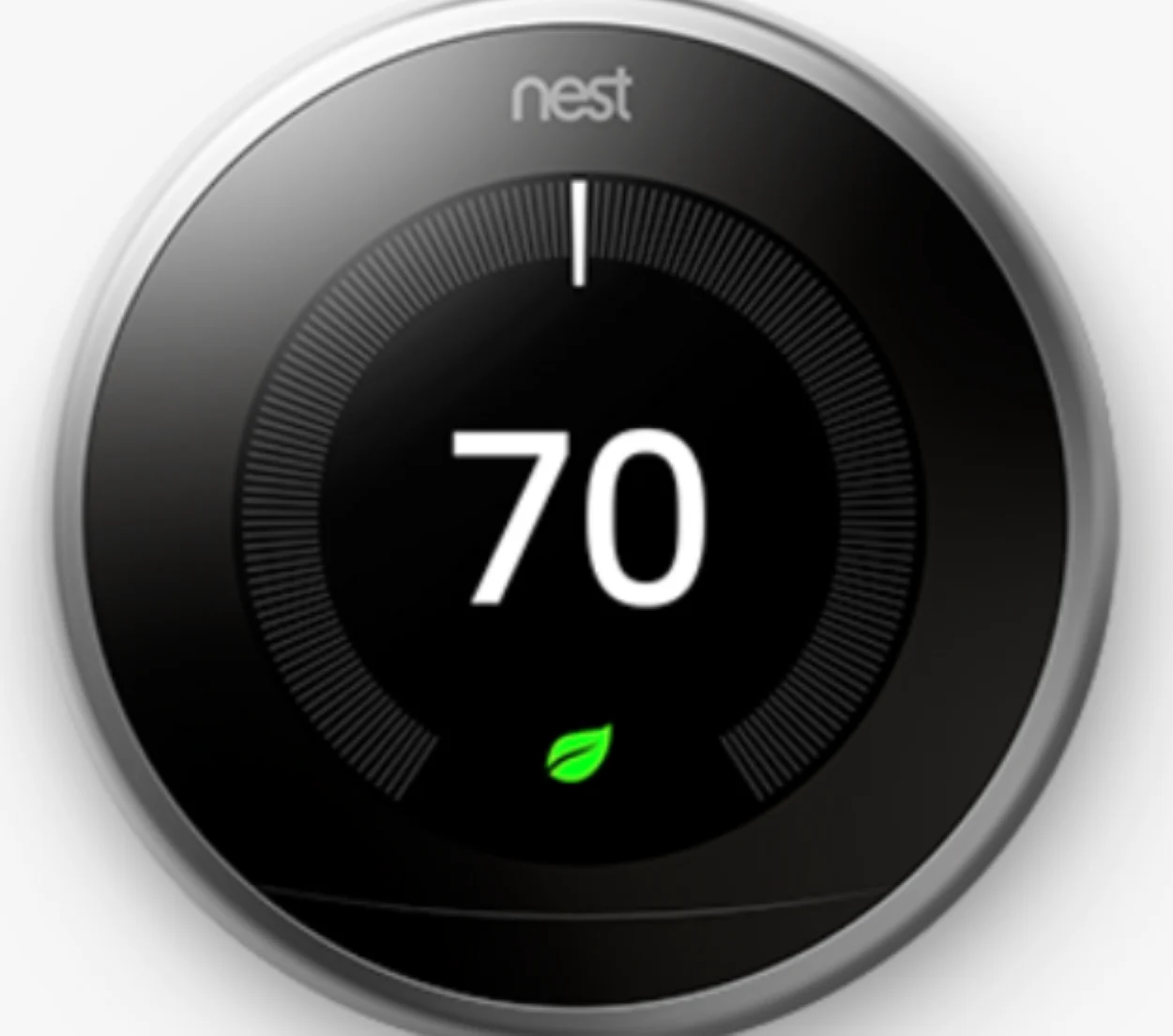
Are they discontinuing Nest Thermostats?
In 2020, Google discontinued its Nest Secure, including thermostats, to explore more accessible options for its customers.
However, owners of their devices still received updates until November 2022. Nest Secure was Google’s home security system with various devices, including thermostats.
Can I install a Nest thermostat myself?
You can install the Nest Thermostat by yourself.
Google Nest kits come with an easy step-by-step instruction manual that you can follow to install the thermostat by yourself. Nest Thermostats don’t need special wiring to be set up, so you can already use your own heating or cooling system’s wiring to set up the thermostat.
Find out how you’ll connect Nest Thermostat to your Homekit in this article: Easy Steps to Connect Thermostat with HomeKit.
Conclusion
It’s typical for your Nest thermostat to read higher indoor temperatures than it would if it were located in a less well-lit area of the house.
The Nest Thermostat measures the temperature in your house using several sensors. Keeping it clean is a good idea since dust and debris can accumulate on the sensors and cause misreading.
To check if your Nest Thermostat is appropriately calibrated, get a thermometer, tape it next to the device, and compare the reading. If the assignment has a variance of below or under 1 degree Fahrenheit, then the Nest Thermostat is calibrated.
Other Articles
- How to Change the Input On Your LG TV?
- How to Connect AirPods to Samsung TV (Simple Solution)
- What Are Honeywell T9 and T10’s Differences?
- Toshiba Fire TV Has Screen Mirroring! (Everything)