
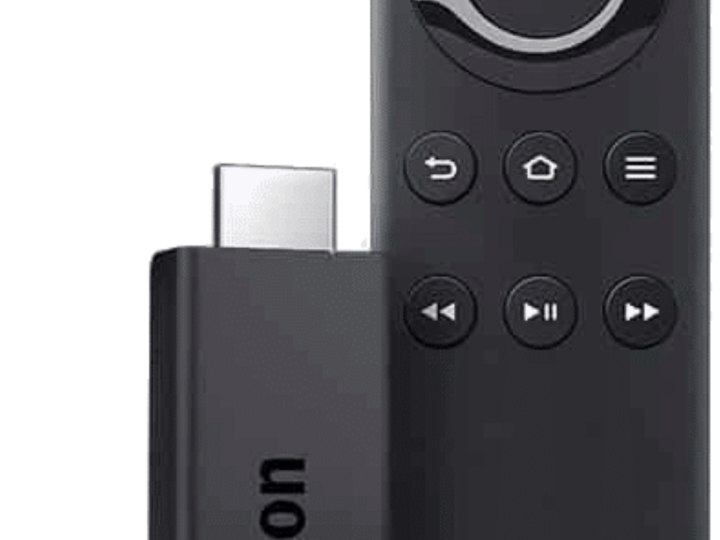
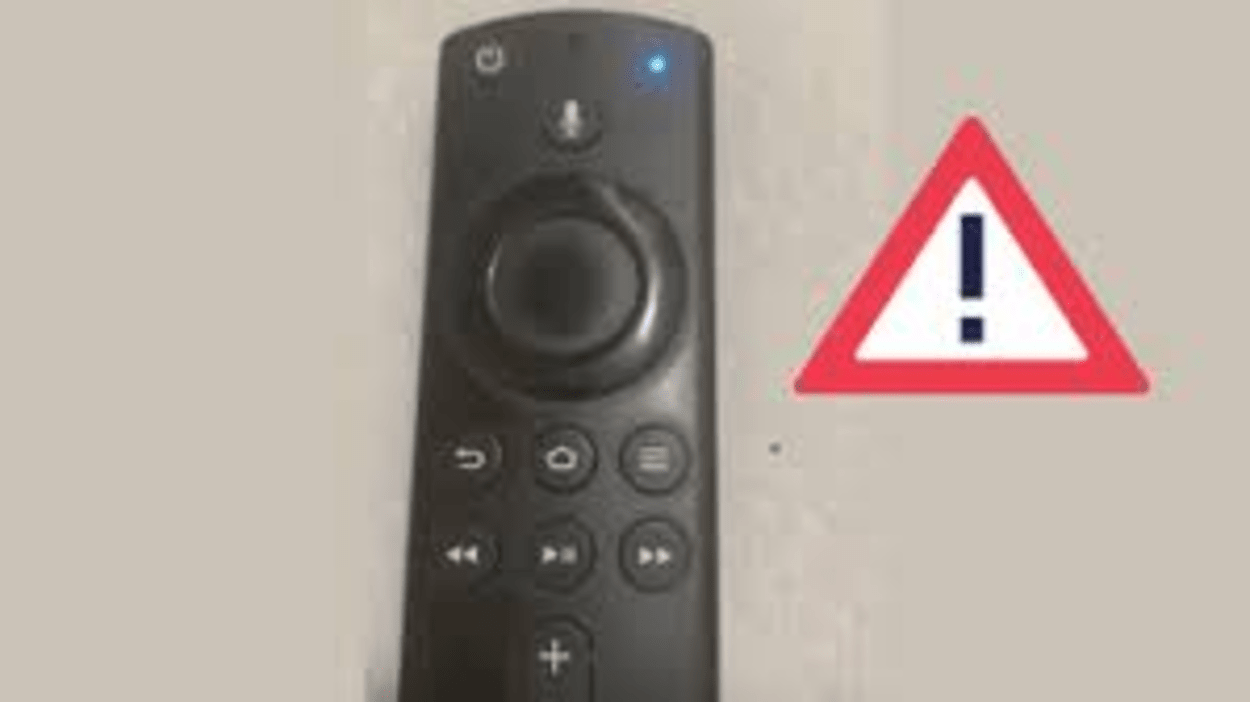
The blue light on your Firestick remote indicates that the device is actively trying to connect to the internet. When the blue light is blinking, it means that the remote is searching for a Wi-Fi signal or attempting to reconnect to an existing network.
Navigate the Fire TV interface with the trackpad and navigation buttons. Use your voice to get Alexa to find videos, launch apps, and carry many other functions on your Fire TV.
In this post, we’ll discuss what the blue light on your Firestick remote means, the common causes of the problem, and how you can fix it quickly and easily. Continue reading to get detailed information.
By continuing to use this website you agree to our Terms of Use. If you don't agree to our Terms, you are not allowed to continue using this website.
What Is the Blue Light on Firestick Remote?
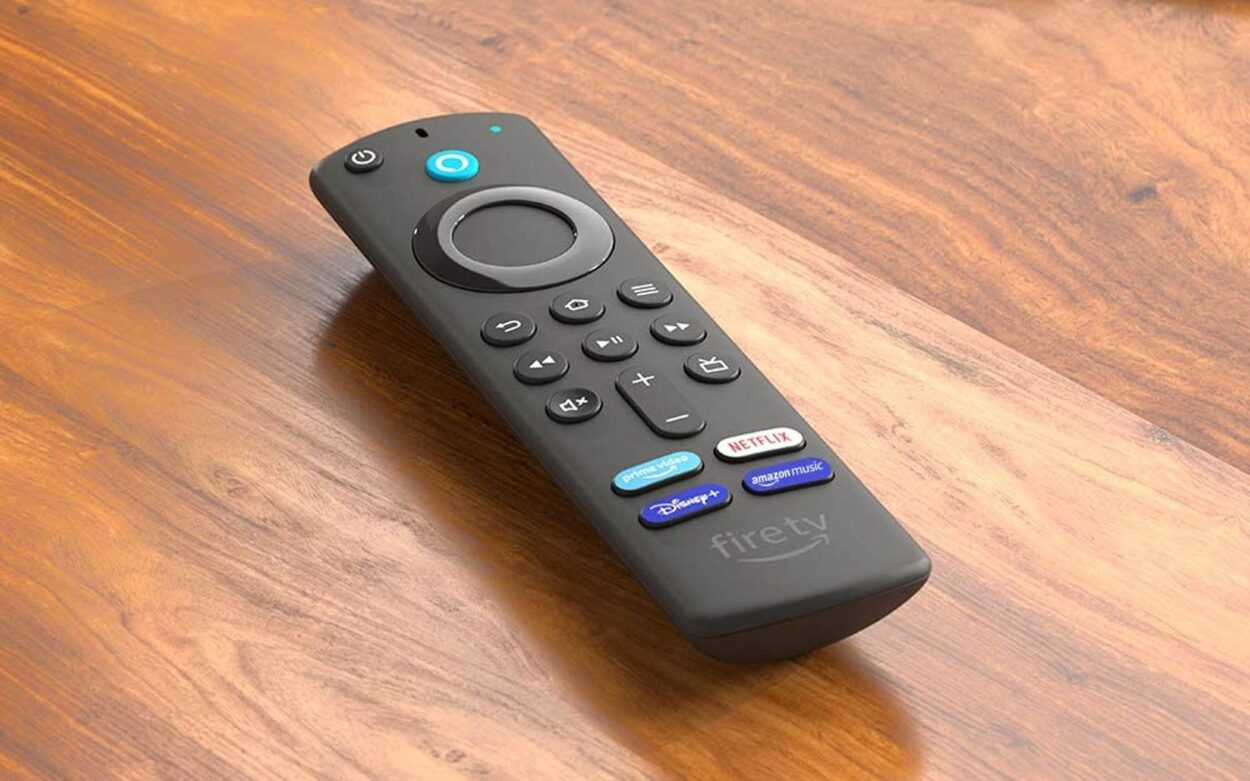
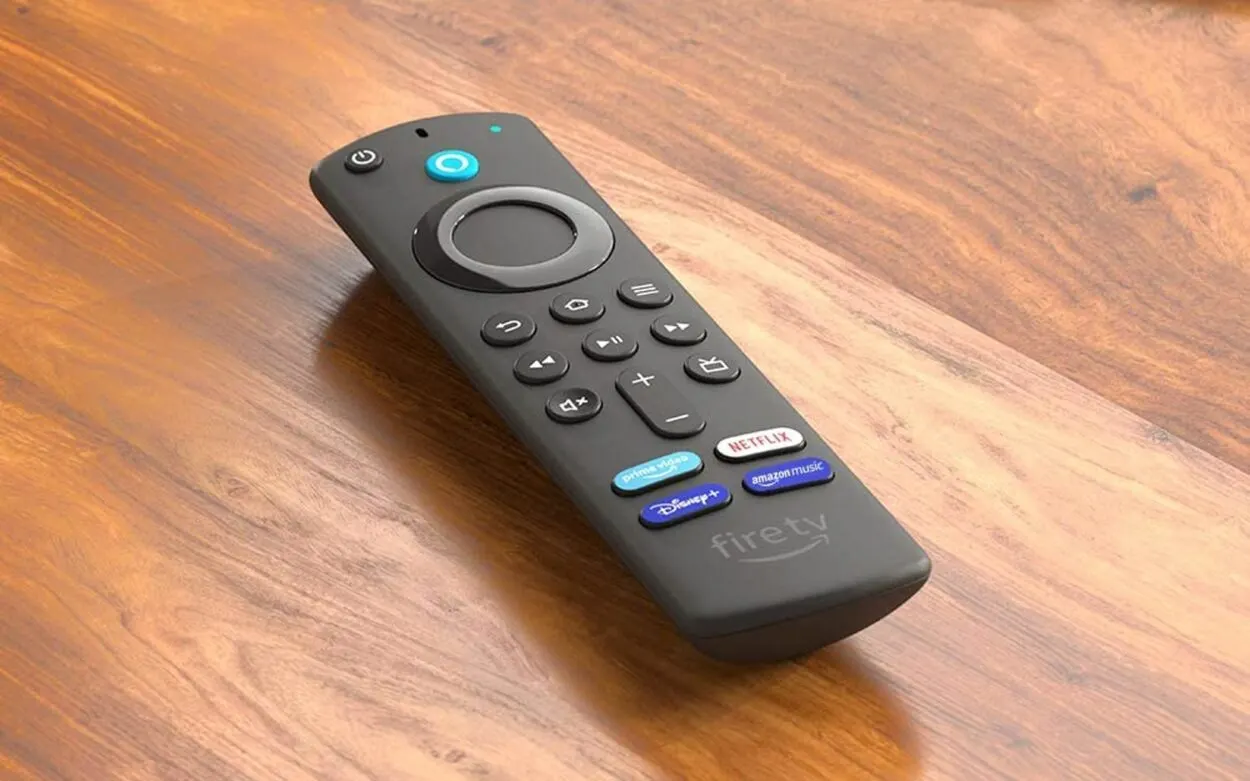
If you’re like many people, you might not have given much thought to the colored lights on your Firestick remote. However, when the blue light suddenly appears, it can be confusing and even concerning. So, what exactly is the blue light on your Firestick remote, and why does it matter?
In short, the blue light on your Firestick remote indicates that the device is actively trying to connect to the internet. When the blue light is blinking, it means that the remote is searching for a Wi-Fi signal or attempting to reconnect to an existing network.


Image Credit : Reddit
Once the Firestick remote is connected to the internet, the blue light will stop flashing and turn solid.
| Issue | Solution |
| The blue light on the Firestick remote is constantly flashing or not responding | Hold down the Home button for at least 10 seconds to pair the remote |
| The blue light on Firestick remote is solid and the device is not responding | Try unplugging the Firestick device and plugging it back in |
| The blue light on Firestick remote is solid and the device is responding, but certain buttons are not working | Replace the batteries or clean the buttons on the remote |
It’s worth noting that the blue light is just one of several lights that can appear on the Firestick remote, each with its own meaning. For example, a red light may indicate that the battery is low, while a white light may indicate that Alexa is listening to voice commands.
Understanding the meaning behind the blue light on your Firestick remote is essential to troubleshooting any connectivity issues you may encounter. Now that you know what the blue light signifies let’s move on to what can cause it to appear and how to fix it.
What Causes the Blue Light to Appear on Firestick Remote?

Now that we’ve covered what the blue light on your Firestick remote means, let’s dive into what can cause it to appear in the first place.
One common cause of the blue light on your Firestick remote is a connectivity issue. This can happen if your Wi-Fi signal is weak, or if there’s a problem with your internet service provider. In some cases, the Firestick may have trouble connecting to a particular network or may require a password to connect.
Another possible cause of the blue light is low battery life. When the battery in your Firestick remote is running low, it may cause the blue light to blink, indicating that it needs to be recharged. It’s always a good idea to keep spare batteries or a charging cable handy to avoid any downtime when you’re ready to relax and stream.
Lastly, if the Firestick has undergone a recent update, this could also cause the blue light to appear. While updates are important for keeping your device running smoothly and securely, they can sometimes cause temporary connectivity issues that trigger the blue light.
How to Fix the Blue Light on Firestick Remote?
There are some easy fixes you can try to get your device up and running smoothly again. Here are some step-by-step solutions to help you fix the blue light on your Firestick remote:
- Check your Wi-Fi signal: If you’re experiencing connectivity issues, it’s important to make sure that your Wi-Fi signal is strong and that your Firestick is in range of your network. Move closer to your Wi-Fi router or try restarting your router to see if that solves the issue.
- Reconnect your Firestick: Sometimes, the Firestick may need to be reconnected to your Wi-Fi network. To do this, simply navigate to the settings menu on your device, select “Network,” and choose the option to reconnect to your Wi-Fi network.
- Replace your remote batteries: If your Firestick remote battery is running low, it may cause blue light to appear. Simply replace the batteries or connect the charging cable to recharge the device.
- Perform a reset: If all else fails, performing a factory reset on your Firestick may help to resolve the issue. However, it’s important to note that this will erase all data on the device, so make sure to back up any important files before proceeding with a reset.
FAQs
What Does the Blue Light on the Firestick Remote Mean?
The blue light on the Firestick remote is an indication that there is a connectivity issue or low battery life.
This can occur when the remote isn’t properly connected to the Firestick or when the batteries are running low.
How Do I Fix the Blue Light on My Firestick Remote?
There are several ways to fix the blue light issue on your Firestick remote, including:
- Checking your Wi-Fi signal
- Reconnecting your Firestick
- Replacing the batteries
- Performing a reset
- Troubleshooting any connectivity issues
Final Thoughts
- To wrap up, the blue light on your Firestick remote can be an indication of a connectivity issue or low battery life.
- By understanding the causes of this issue and following the steps outlined in this article, you can easily fix the problem and get back to enjoying your favorite streaming content.
- If you’re still experiencing issues with the blue light on your Firestick remote, don’t hesitate to reach out to Amazon support for further assistance.
- With a little troubleshooting, you should be able to get your Firestick back up and running smoothly in no time.
- Remember, staying up-to-date with software updates, keeping spare batteries or charging cables on hand, and troubleshooting any connectivity issues can help prevent this issue from occurring in the future.
Other Articles
- How To Clean Samsung TV Screen? (Without Causing Damage)
- Peacock Not Working On Samsung TV (Quick & Easy Fix)
- Sony TV Keeps Rebooting (Simple Guide To Fix It)
Click here to view the Visual Story Version of this Article.